
























































Editors

Editors
Every editor in Bforartists, one chapter each, broken down the same way: modes, header, tool shelf, sidebar and context menus.
Every editor in Bforartists, one chapter each, broken down the same way: modes, header, tool shelf, sidebar and context menus. Learn the pattern once and every editor reads the same.
Basics
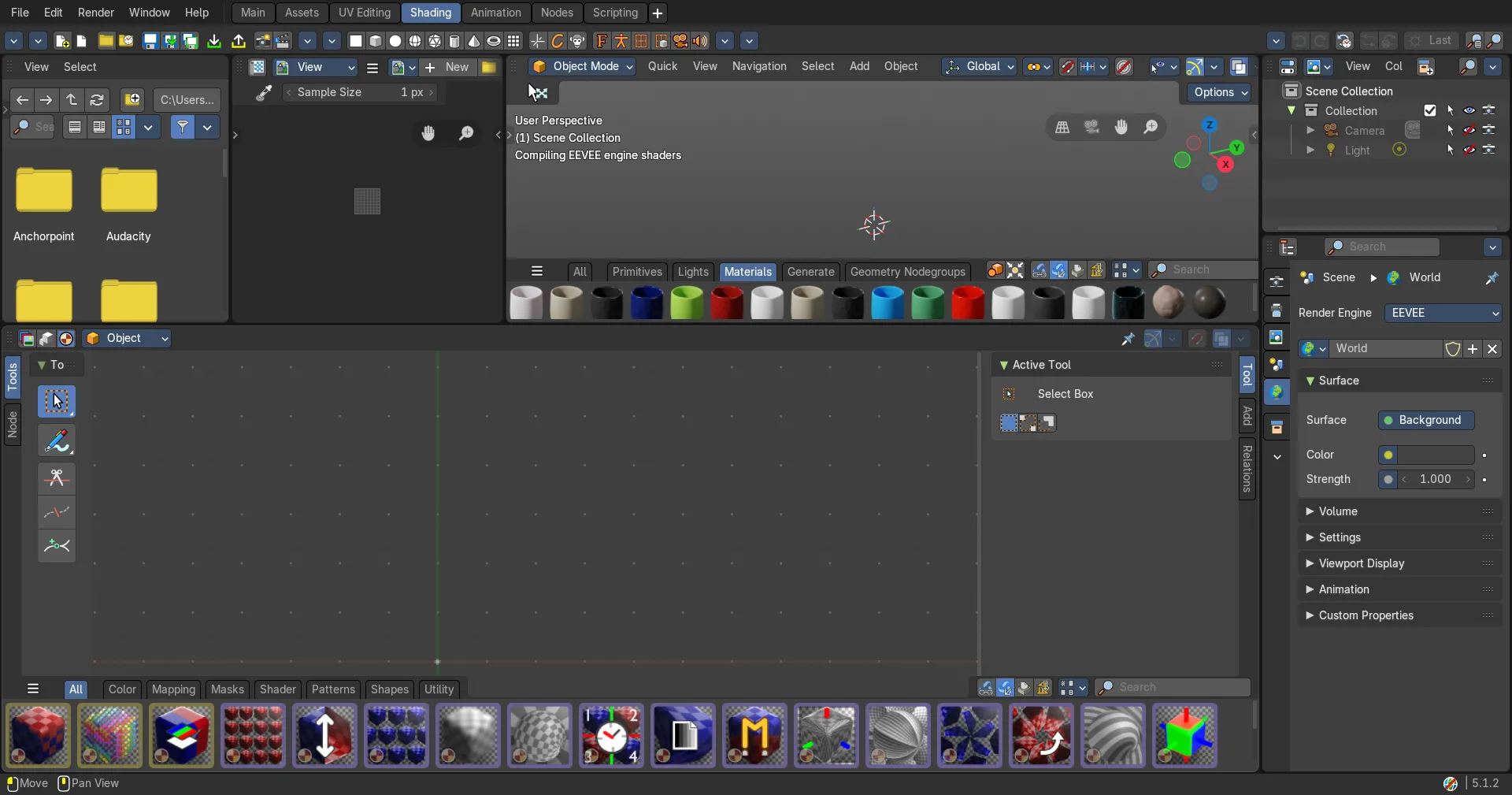
- Topbar and Statusbar — The menus and workspace tabs at the top of the window, and the status bar at the bottom.
- Editors introduction — How editors, areas and workspaces fit together, and what every editor has in common.
Viewing and painting
- 3D Viewport — The main editor: see your scene, and add, select, model, sculpt and paint objects in it.
- Image Editor — Show, paint and edit images and textures, and view renders.
- UV Editor — Unwrap meshes and edit their UV maps for texturing.
Nodes
- Shader Editor — Build materials, worlds and line styles with nodes.
- Geometry Node Editor — Generate and change geometry with nodes.
- Compositor — Post-process renders with nodes: colour, blur, keying and more.
- Texture Node Editor — Build procedural textures with nodes.
Animation
- Dope Sheet — See and edit the keyframes of everything in the scene at once.
- Timeline — Play back the animation and set keyframes and markers.
- Graph Editor — Edit animation curves and their interpolation.
- Drivers Editor — Drive one property with another, using curves and expressions.
- Nonlinear Animation Editor — Layer, mix and reuse actions as strips.
Video and tracking
- Video Sequence Editor — Cut and edit video, images and sound on a timeline.
- Movie Clip Editor — Track motion and make masks in video clips.
Data and files
- Properties Editor — Every setting of the scene, object and its data, tab by tab.
- Outliner — The tree of everything in the file: scenes, collections, objects and data.
- File browser — Open, save, link and append files.
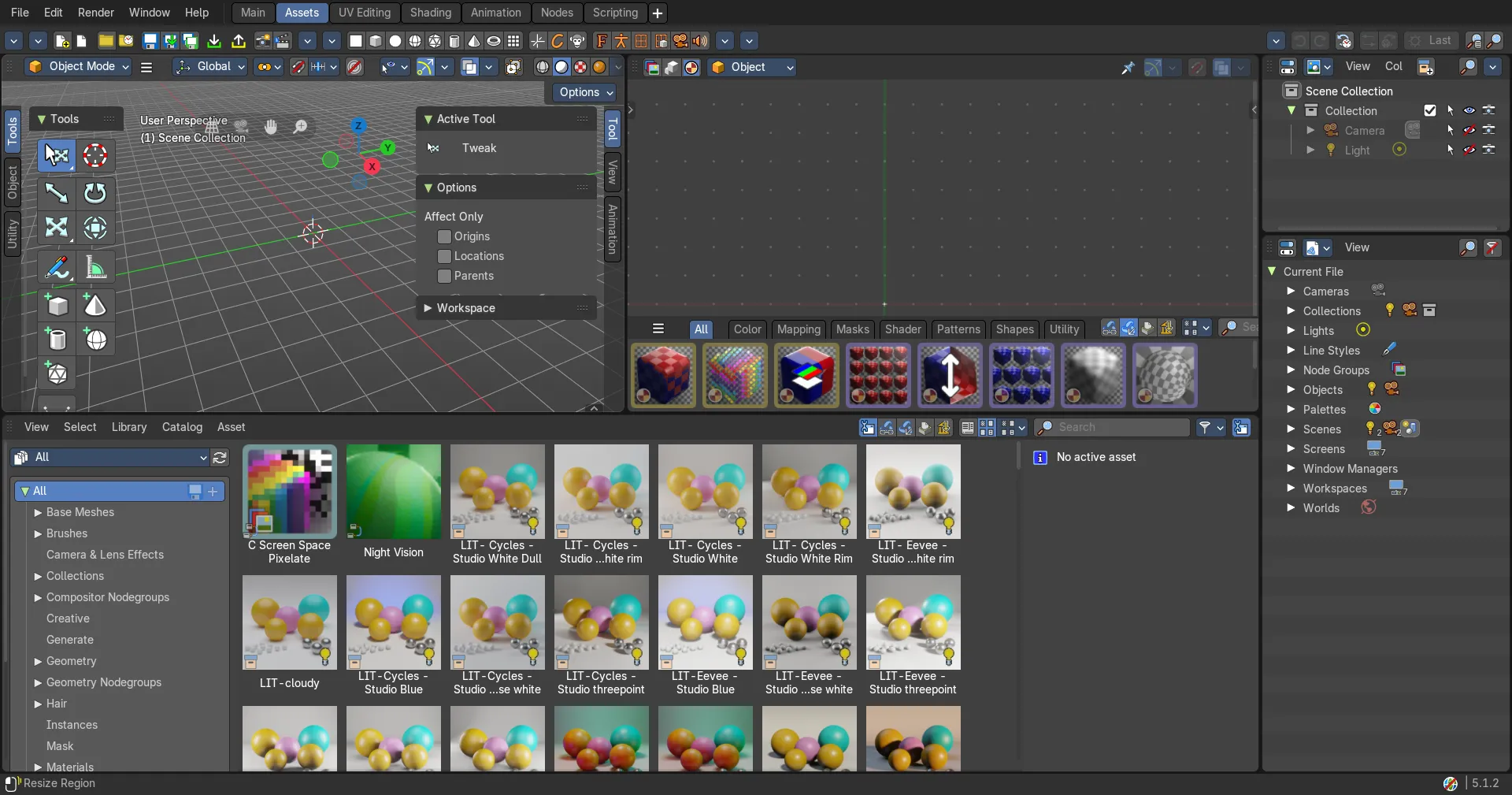
- Asset Browser — Browse, drag in and manage assets from your libraries.
- Spreadsheet — Inspect geometry data as a table.
- Preferences — Set up Bforartists: interface, themes, keymap, add-ons and more.
- Project Settings — Projects keep the settings that a whole production shares: variables, asset libraries, color management and a splash image.
- Toolbar — Build your own toolbars from the tools you use most.
Scripting
- Text Editor — Write and run scripts and keep notes inside the file.
- Python Console — Run Python commands live.
- Info Editor — The log of operators run, warnings and errors.