






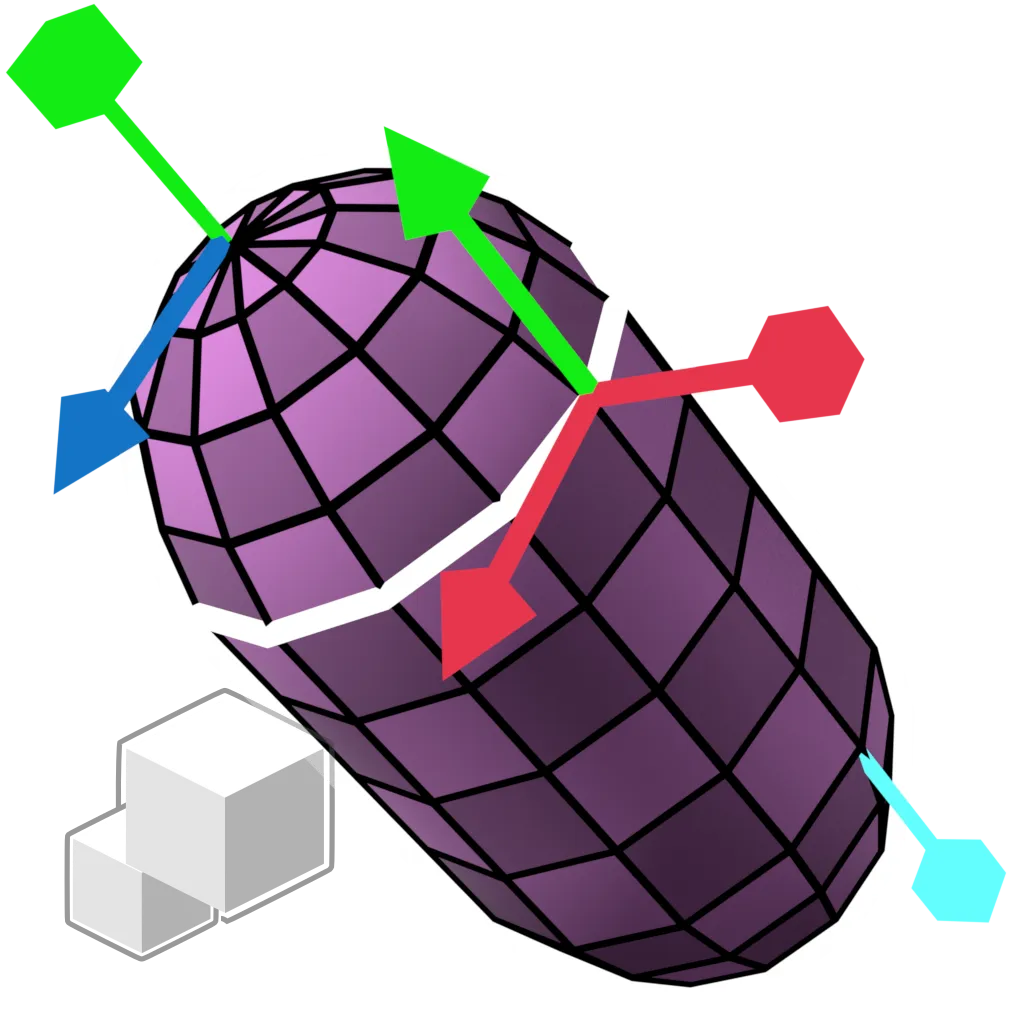
















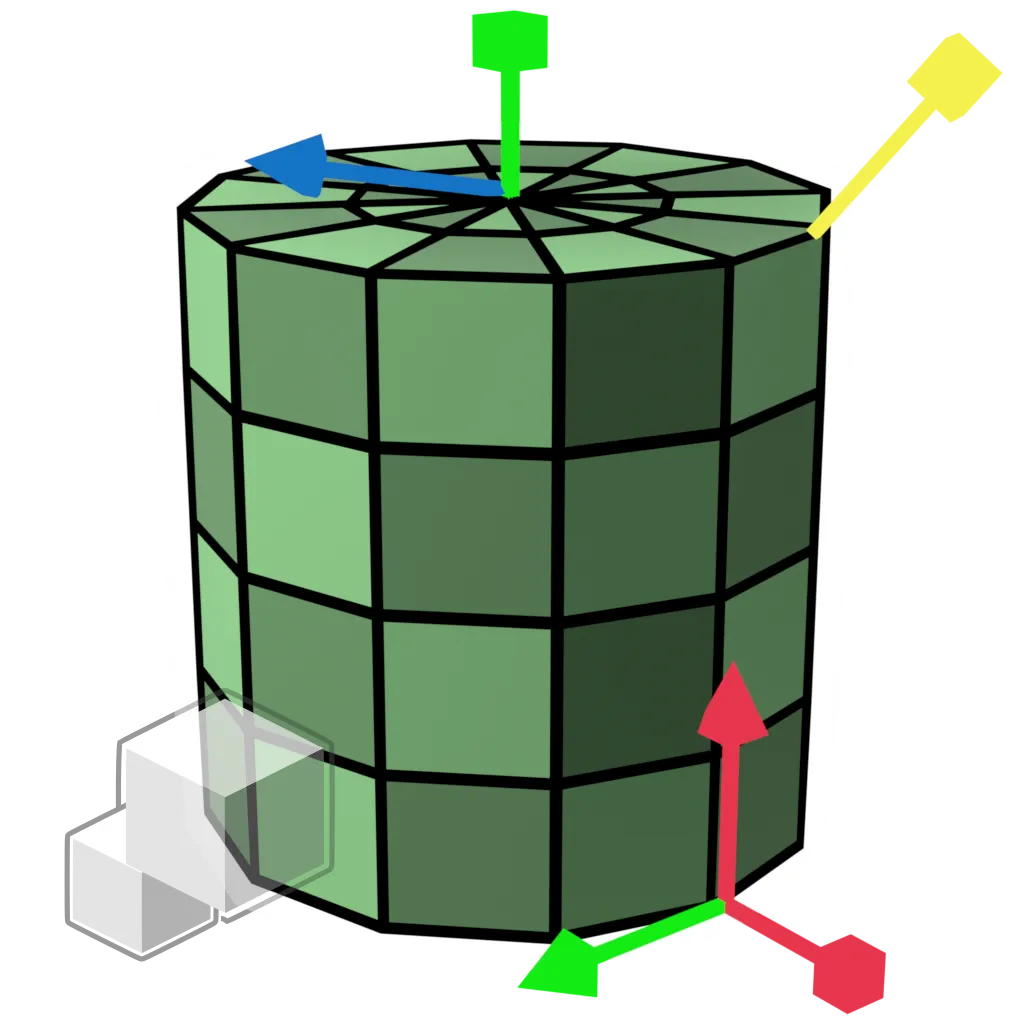






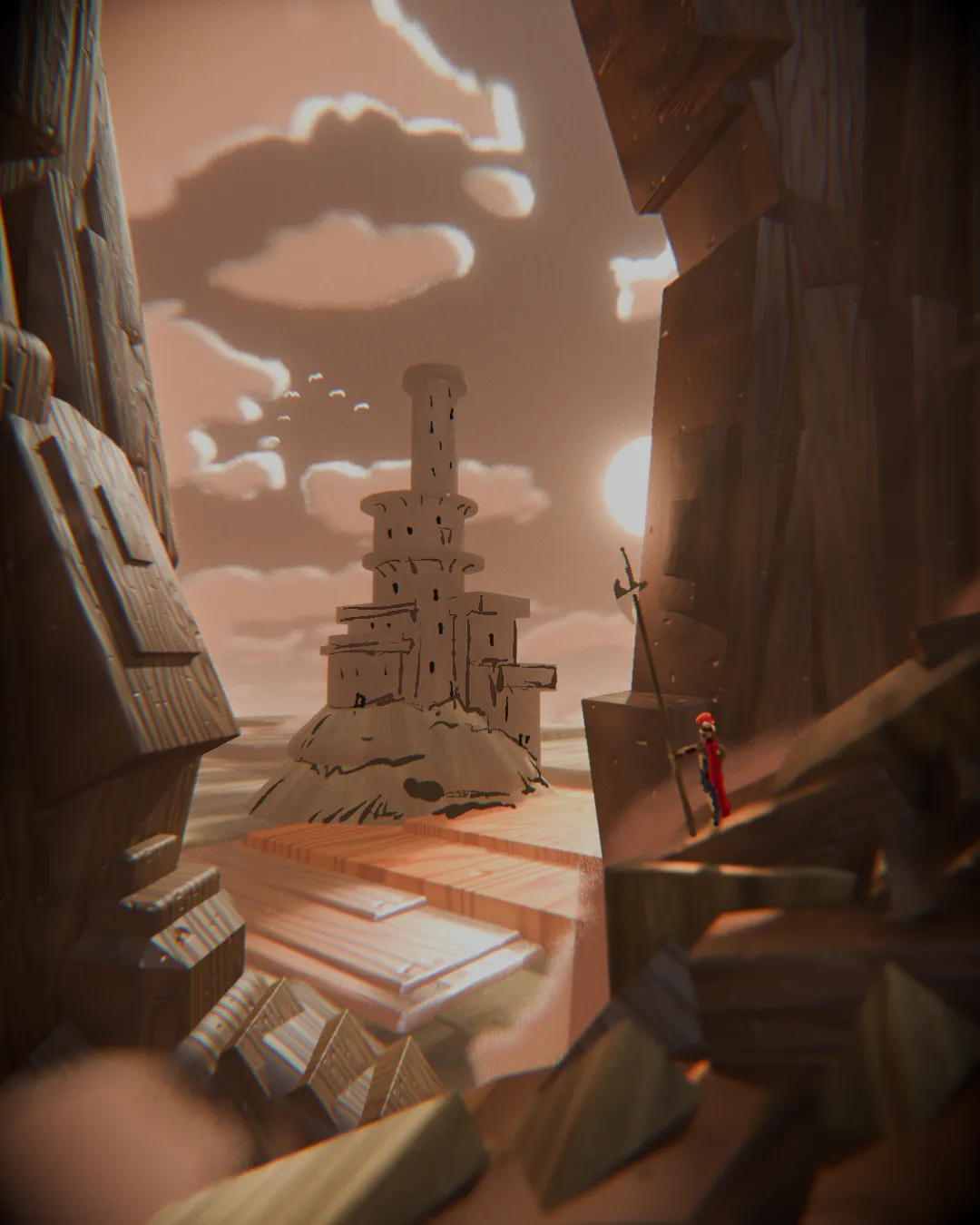
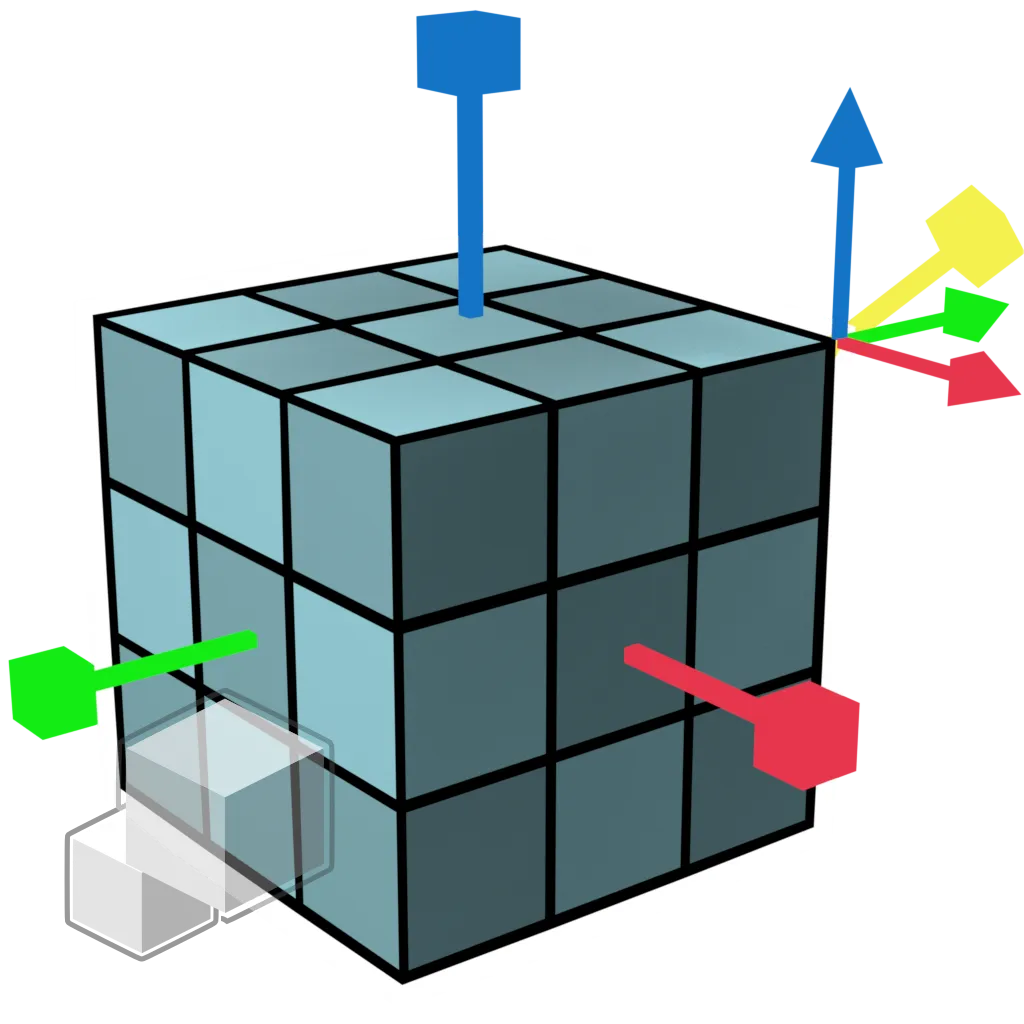






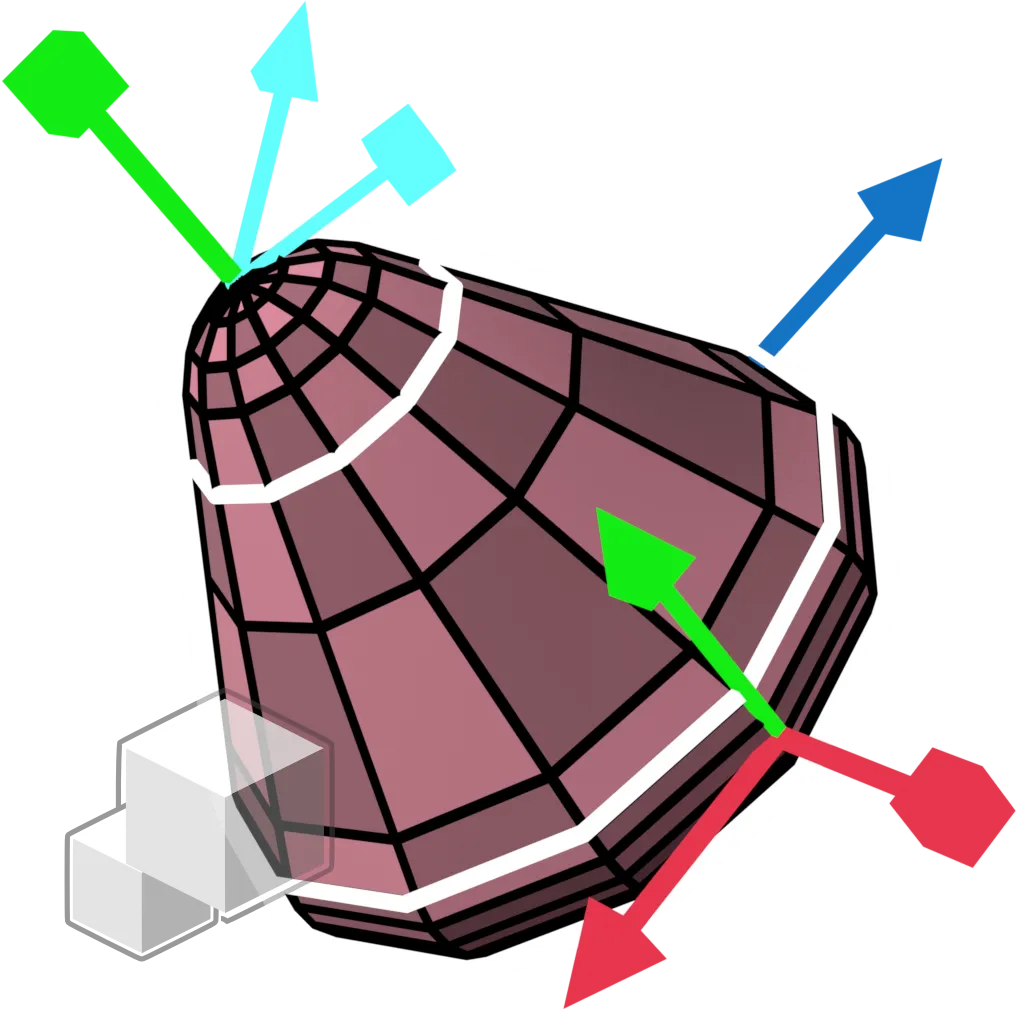




















Hundreds of free assets, already inside.
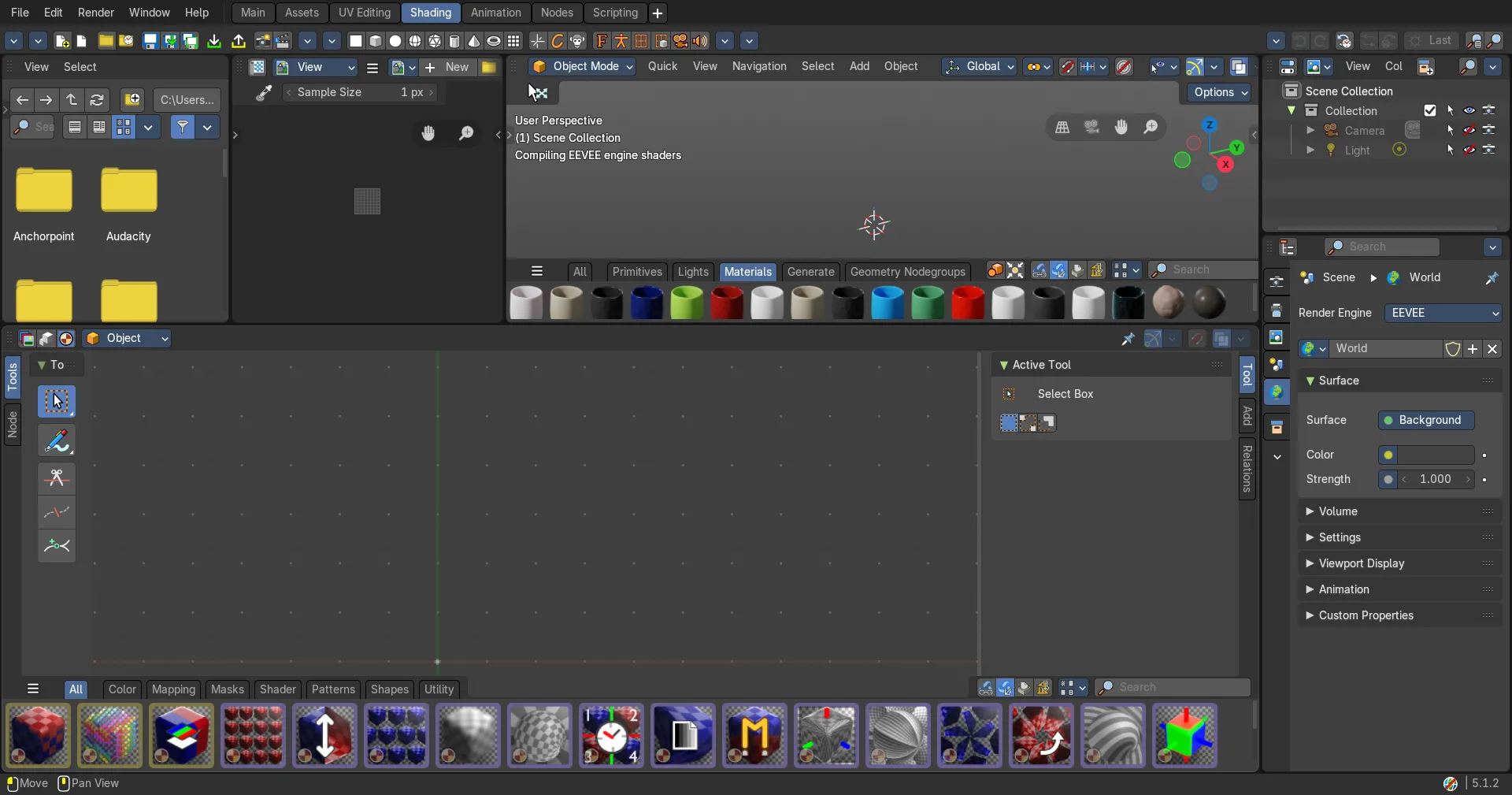
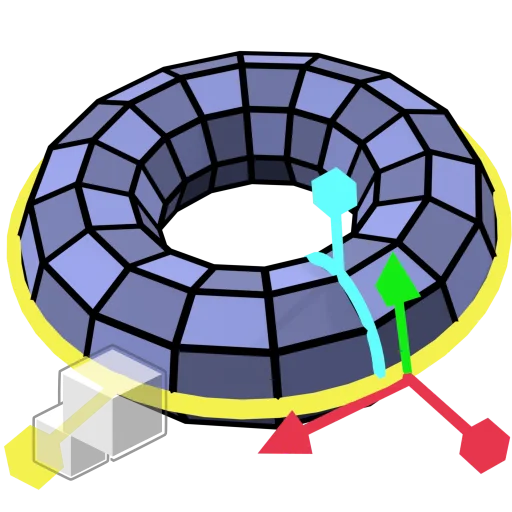
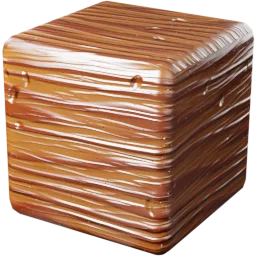
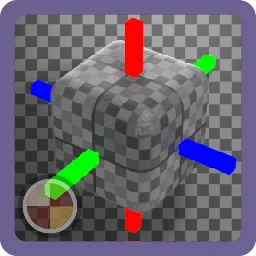
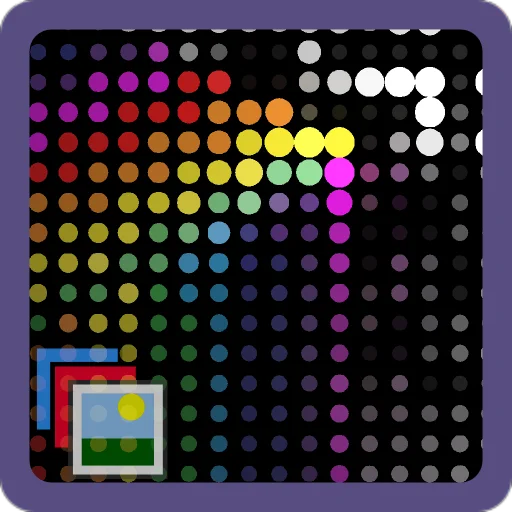
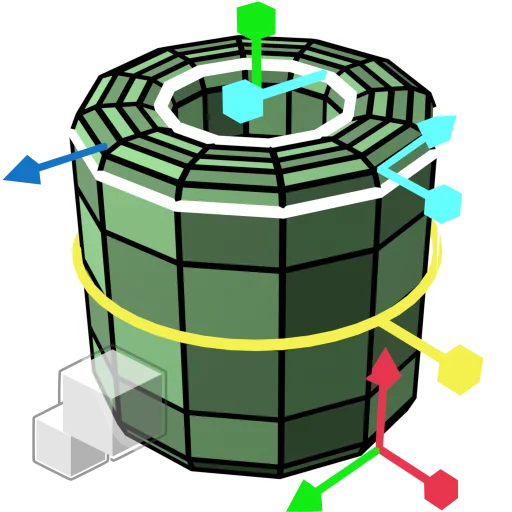
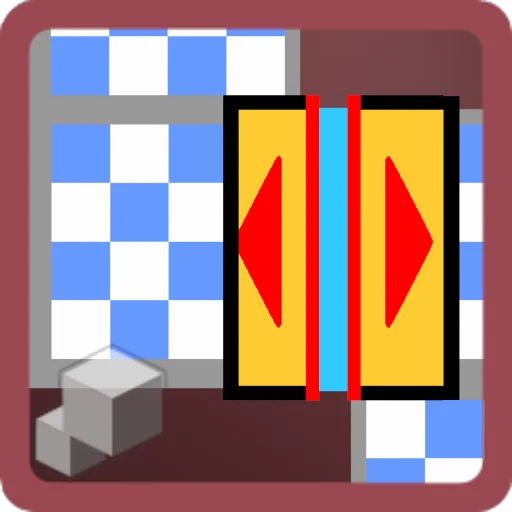
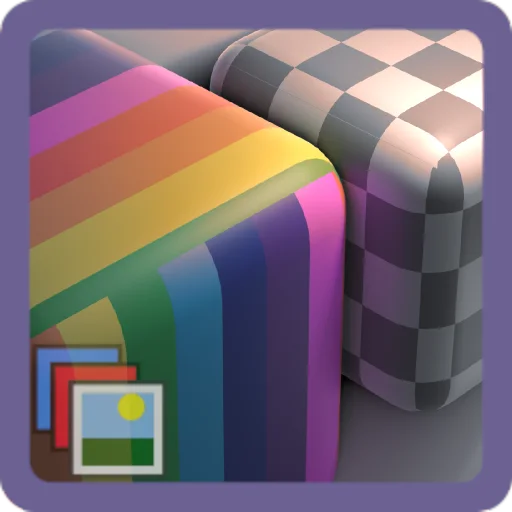
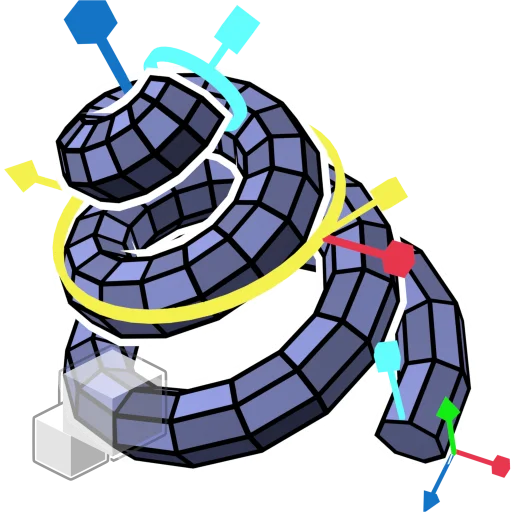
Smart primitives, UV nodes, materials and node groups come with Bforartists. Open the Asset Shelf and drag them in. Hover a picture to see what it is.
 Work in progress
This page is being rebuilt
The Bforartists site is moving to its new design. This page keeps its address and its content returns soon. Until then, these are up to date:

Nothing to install. Just drag and drop.
The Asset Shelf is open from the first launch. Catalog tabs, like Primitives, sort what you see. Pick an asset and drag it into your scene.

The default libraries are set up out of the box.

Drop an asset in the viewport, or a material onto an object.

Object, Edit, Sculpt, the paint modes and the node editors. Blender shows the shelf in only some of them.
Choose how an asset lands
Three switches at the top left of the shelf header decide what happens when you drop an asset.

Drop at the world centre
Collections land at the world origin instead of under the mouse, so a set or a prop starts where you expect it.

Override when linking
A linked asset gets a library override straight away, so you can move and edit it without breaking the link.
Instance, or not
Bring a collection in as one light instance, or as its own objects when you want to change the parts.
What is on the shelf
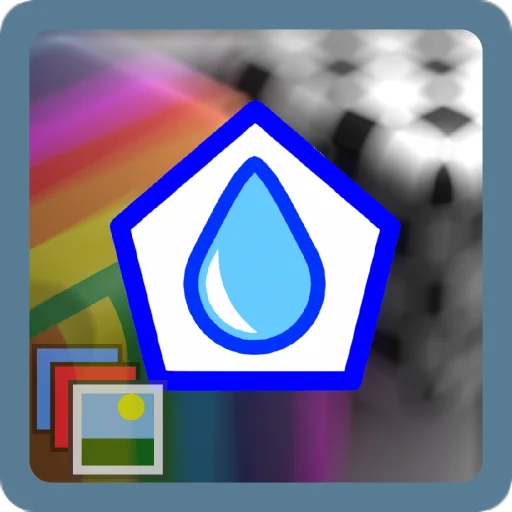
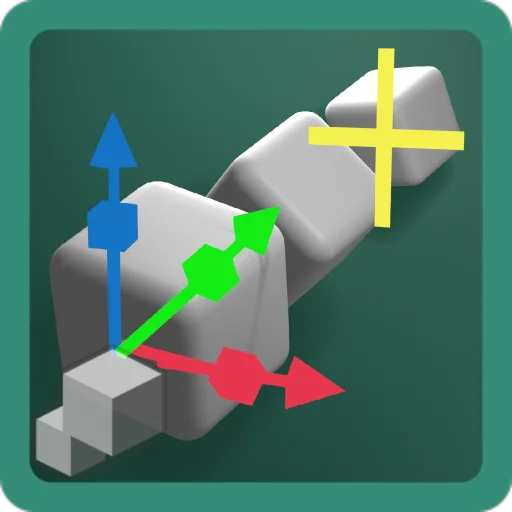
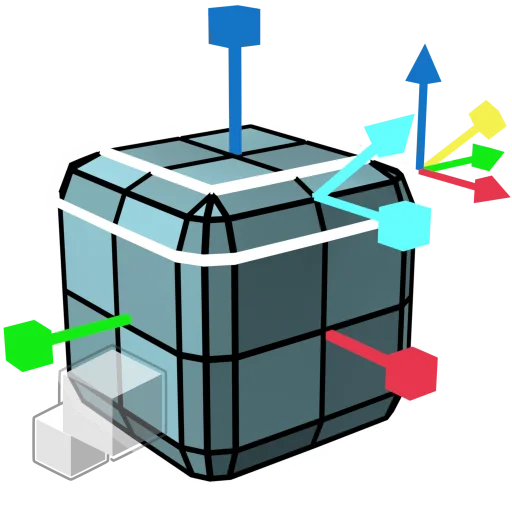
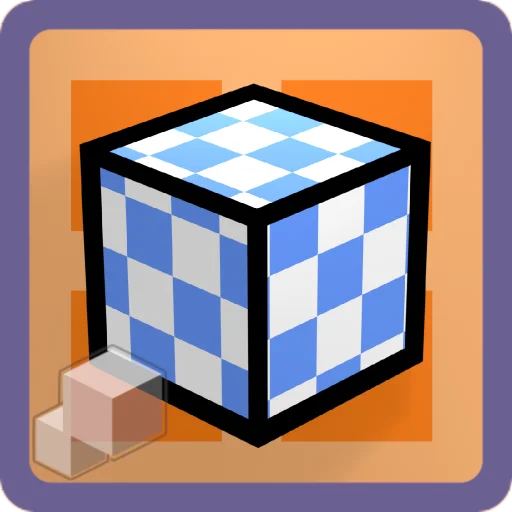
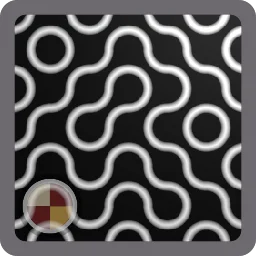
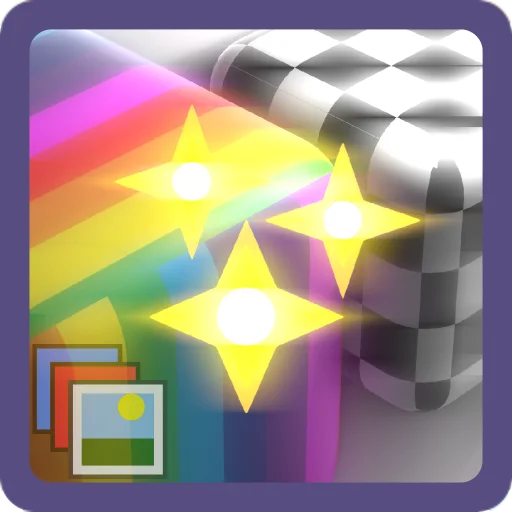
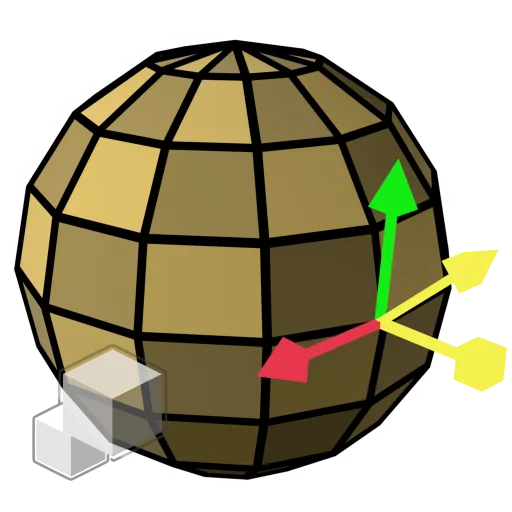
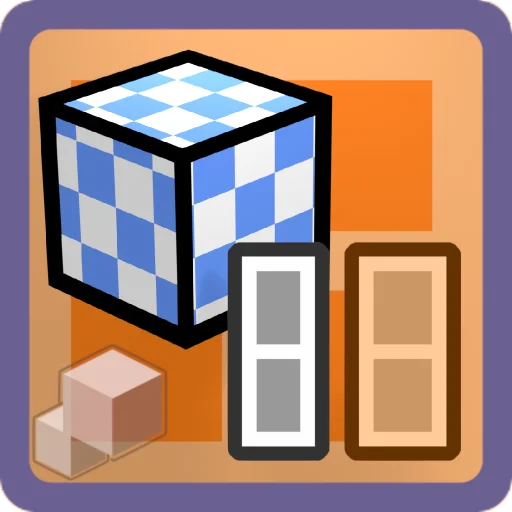
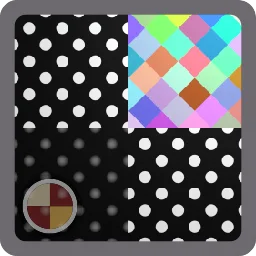
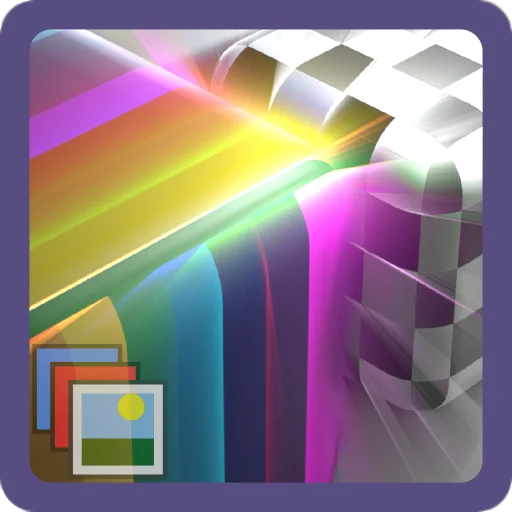
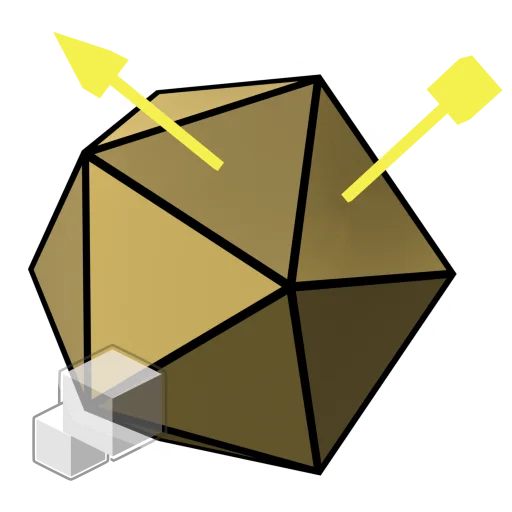
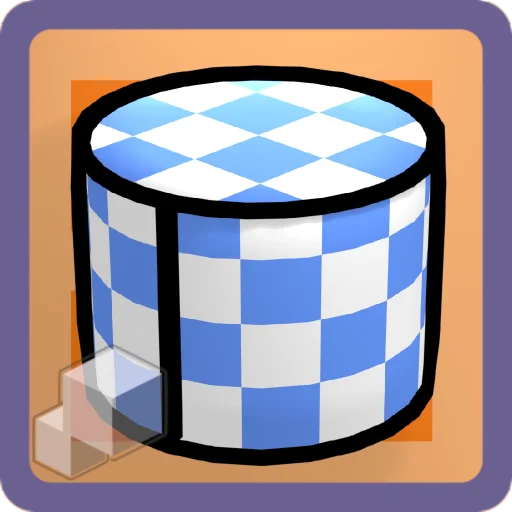
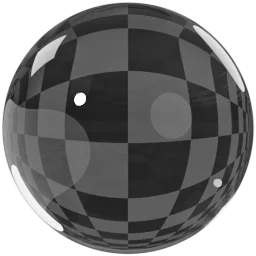
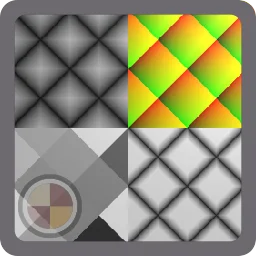
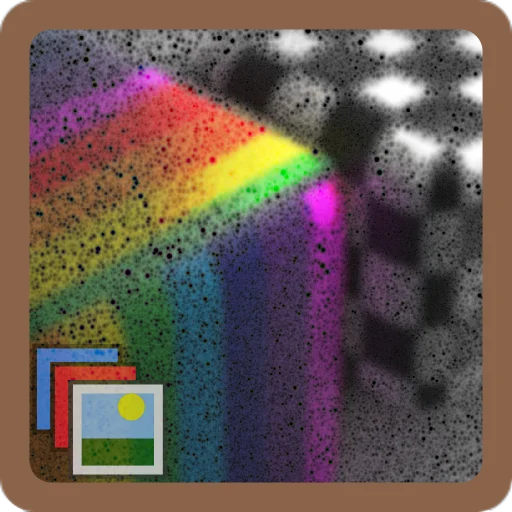
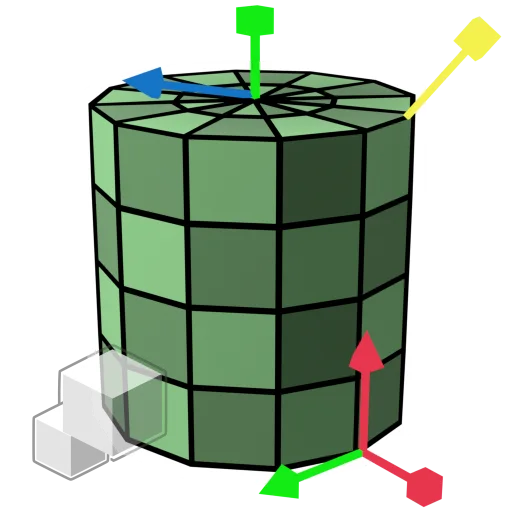
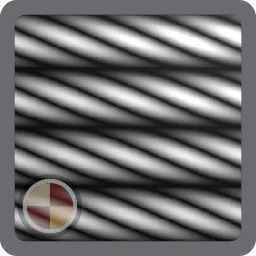
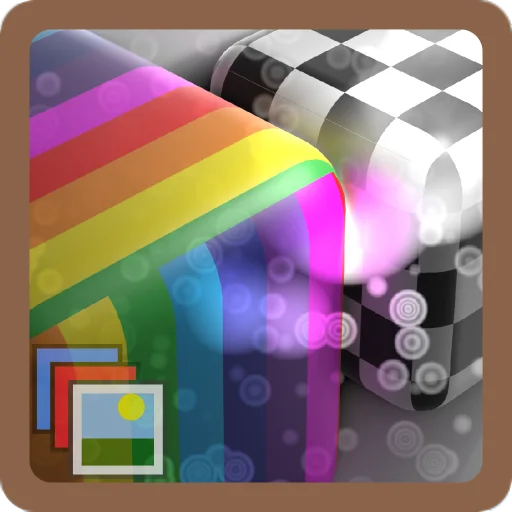
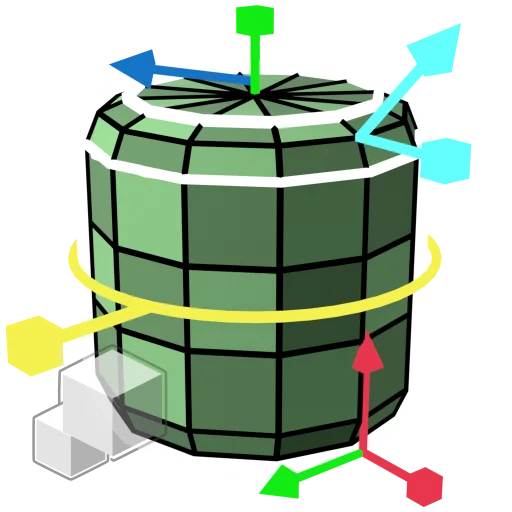
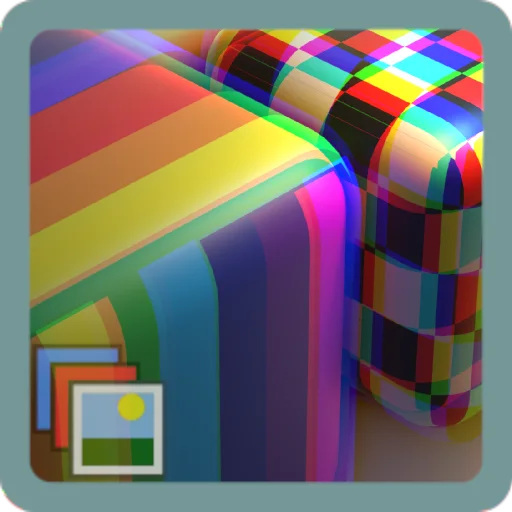
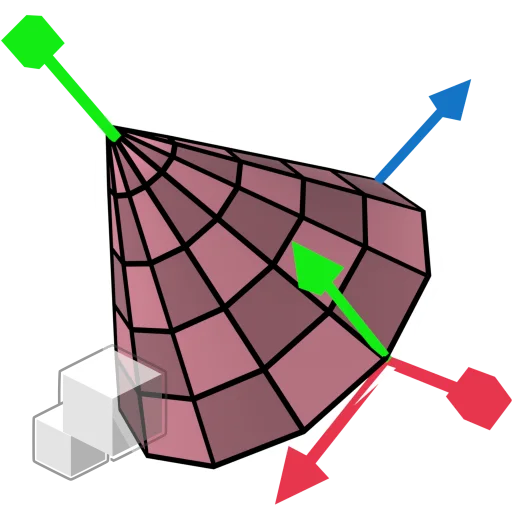
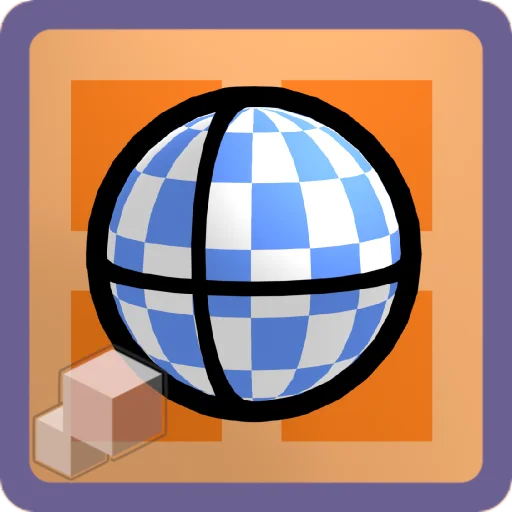
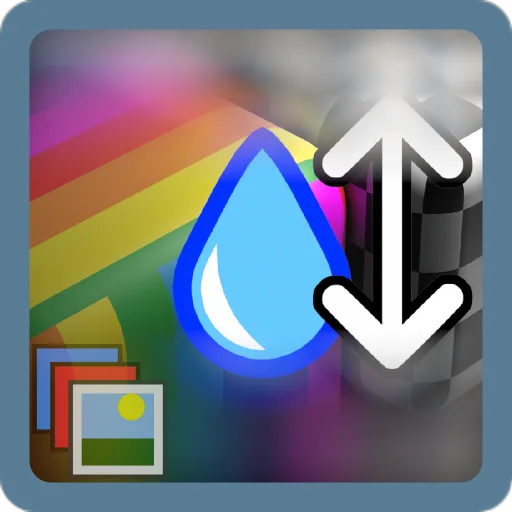
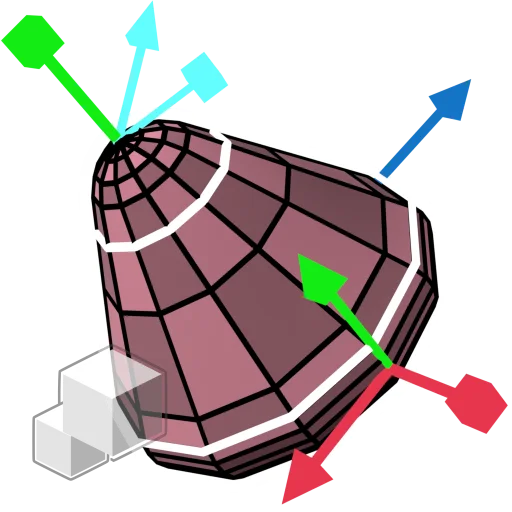
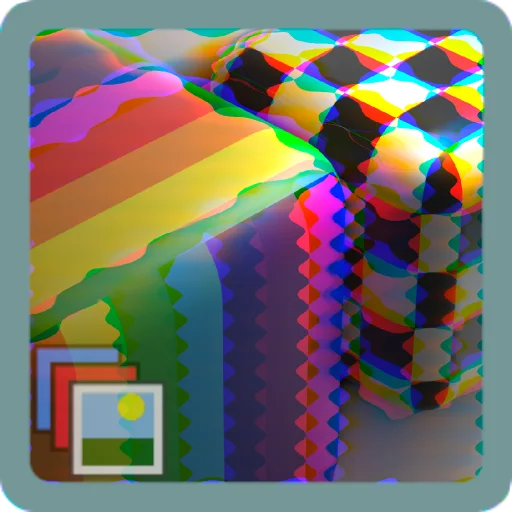
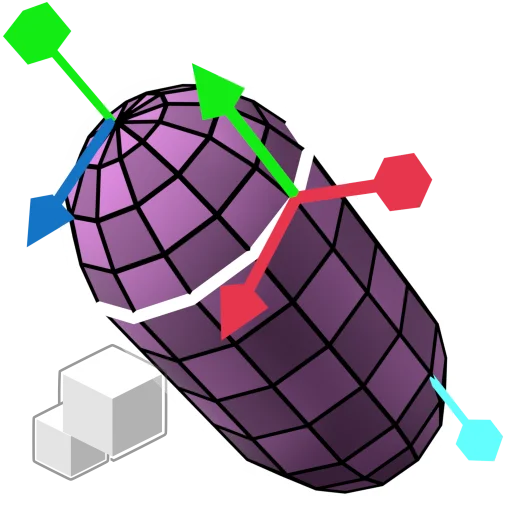
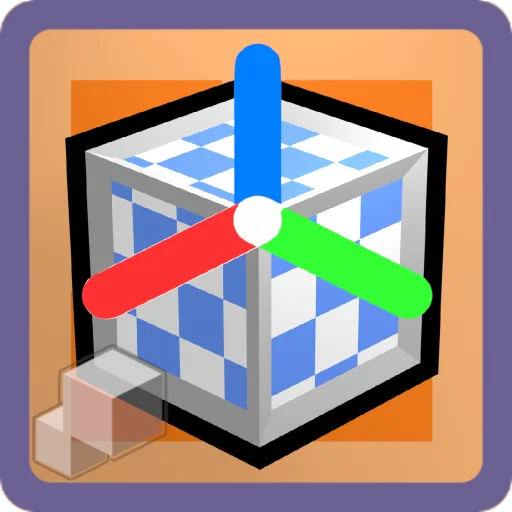
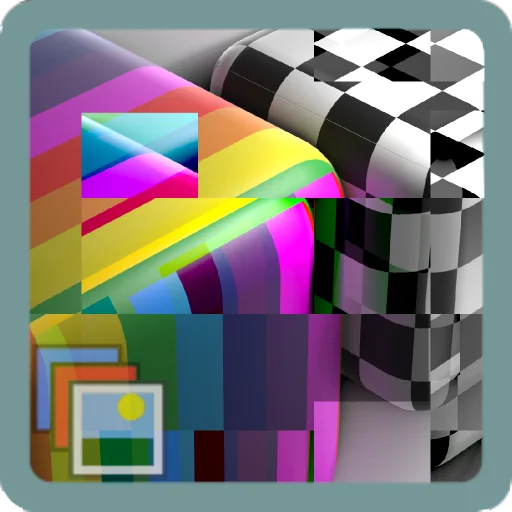
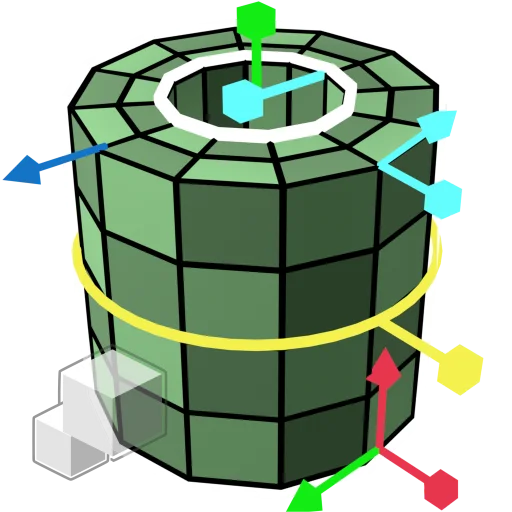
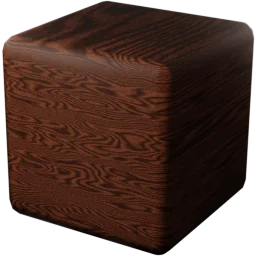
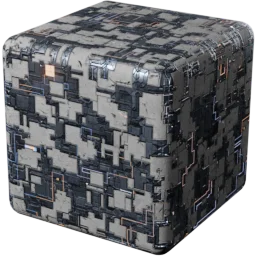
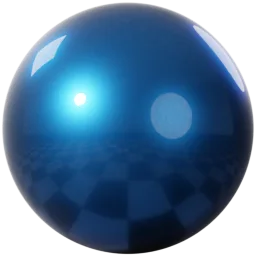
A sample from each catalog. Click a picture for a quick description.






































Add a library in three steps
Any folder of .blend files with marked assets becomes a library.

Get the library
Download a library, or pick a folder of your own .blend files.
Add the folder
Preferences › File Paths › Asset Libraries, then add the folder.
Drag it in
Open the Asset Shelf, choose the library at the top, and drag.

Get Bforartists. Meet the artists.
Every asset on this page comes with the download. Share what you make with them in the community.
Trinumedia is getting free asset packs ready for the shelf, next to its products and services.

