























































Workspaces

Sculpting
Sculpt shapes with brushes.
This workspace is dedicated to sculpting. It starts in Sculpt Mode in case you have an object in the scene.
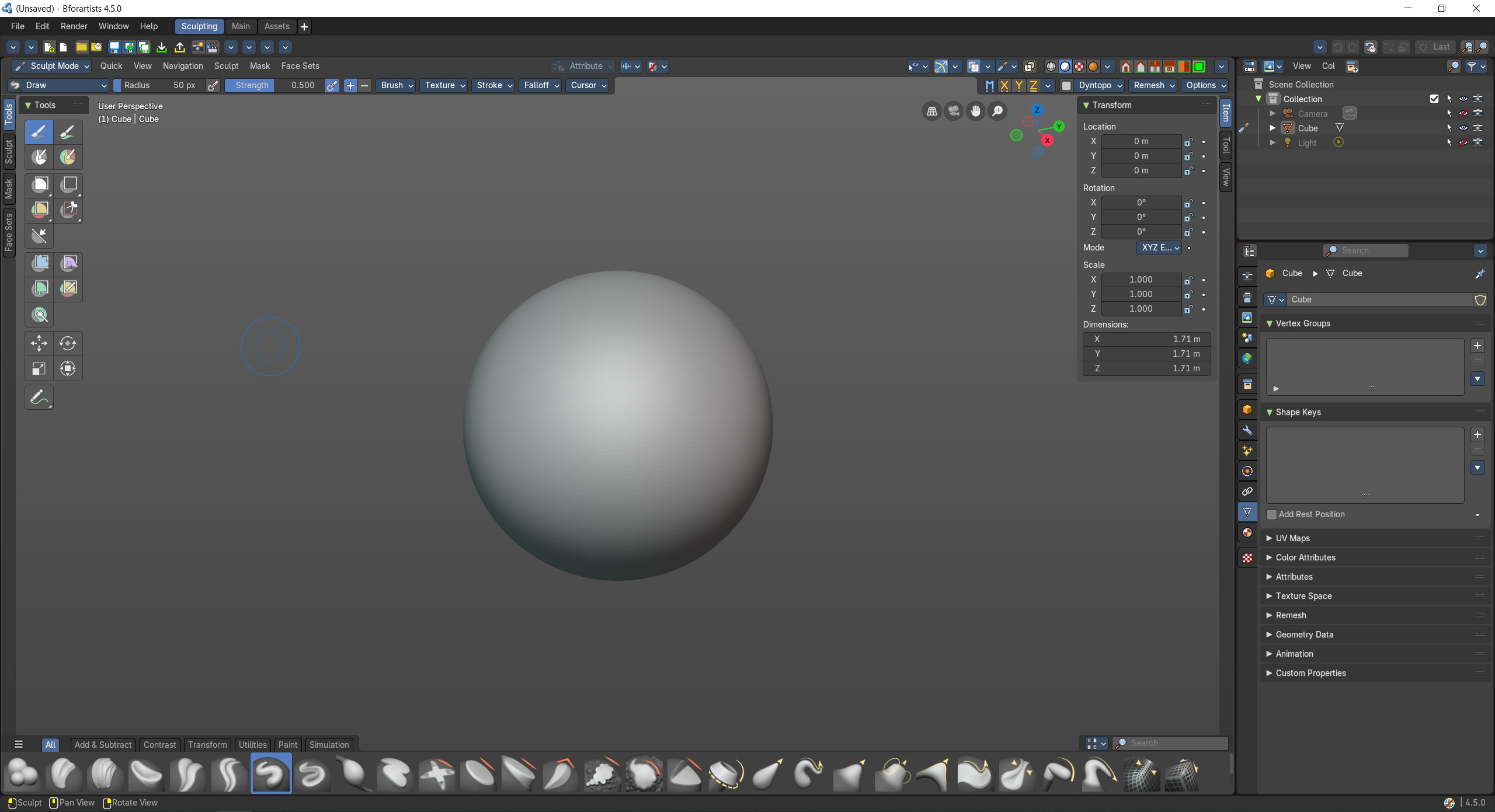
- Screenshot
- Topbar — Menus, the workspace tabs and the main toolbar.
- 3D Viewport — Sculpt Mode with the brushes in the Tool Shelf and the Asset Shelf.
- Outliner — Pick the object to sculpt.
- Properties Editor — Remesh, multiresolution and object data.
How the work flows
Sculpting feels like working with digital clay. The 3D Viewport opens in Sculpt Mode with the brushes in the Tool Shelf and more in the Asset Shelf, so you can push, pull and smooth the form freely. When the clay runs out of detail, the Properties Editor remeshes it or adds Multiresolution levels, and the Outliner switches between the pieces you are sculpting.
Starts in
The workspace opens the 3D Viewport in Sculpt Mode when the scene has an object for it.