























































Workspaces

Rendering
Look at and save your rendered images.
A workspace for the rendering.
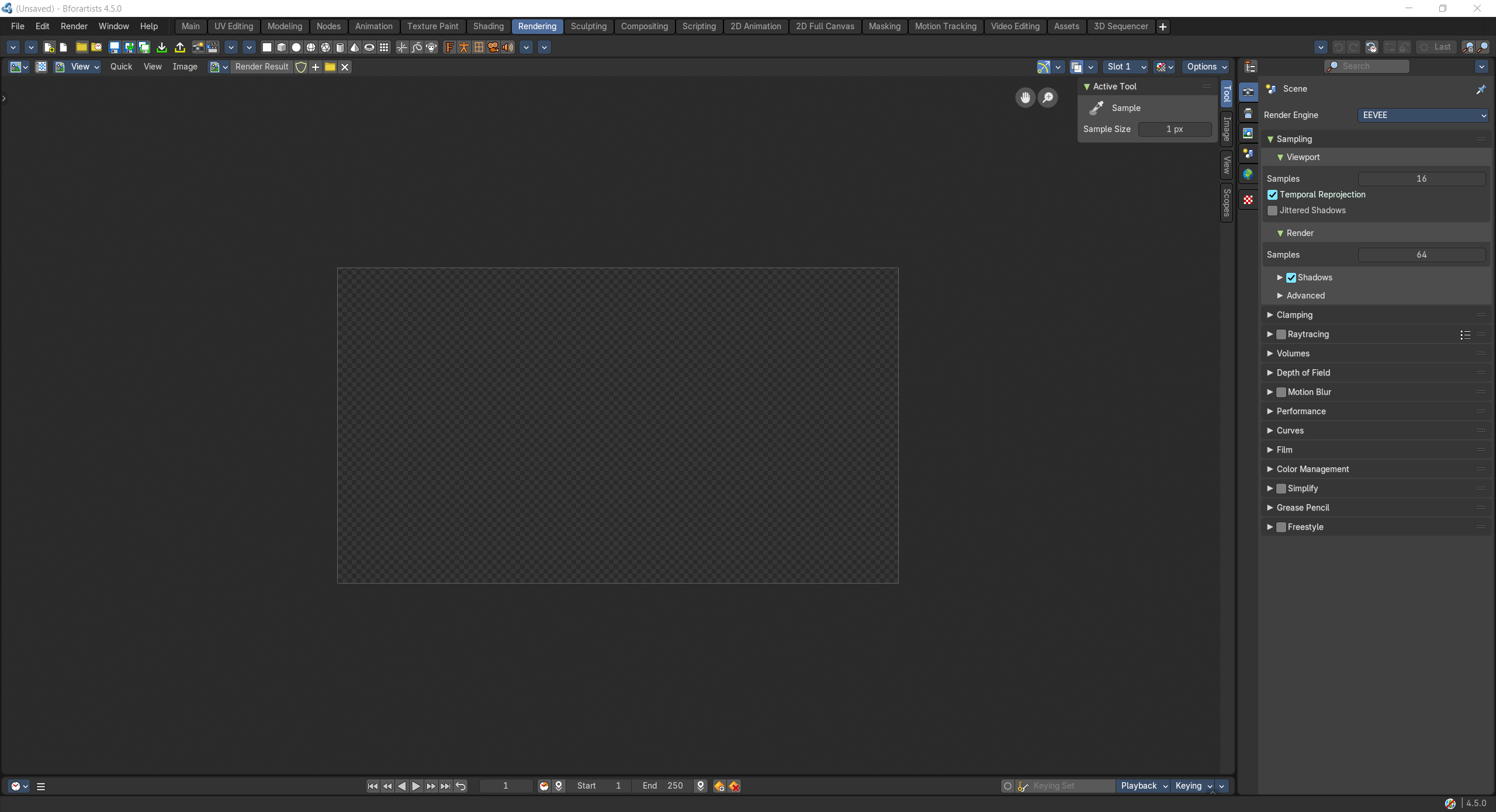
- Screenshot
- Topbar — Menus, the workspace tabs and the main toolbar.
- Image Editor — The finished render: look at it, compare slots and save it.
- Timeline — Pick the frame to render.
- Properties Editor — Render engine, samples, resolution and output.
How the work flows
Rendering is the darkroom. The Properties Editor sets up the shot: render engine, samples, resolution and where the frames are saved. Render, and the finished picture develops in the Image Editor, where you look closely, compare render slots and save it. The Timeline chooses which frame, or which range of an animation, to render.