























































Workspaces

Nodes
Build geometry with geometry nodes and check the data.
The workspace to work with the geometry nodes. Basic 3d view with the geometry nodes editor plus the spreadsheet editor to have access to the mesh data. A timeline at the bottom. And the usual outliner and properties editor.
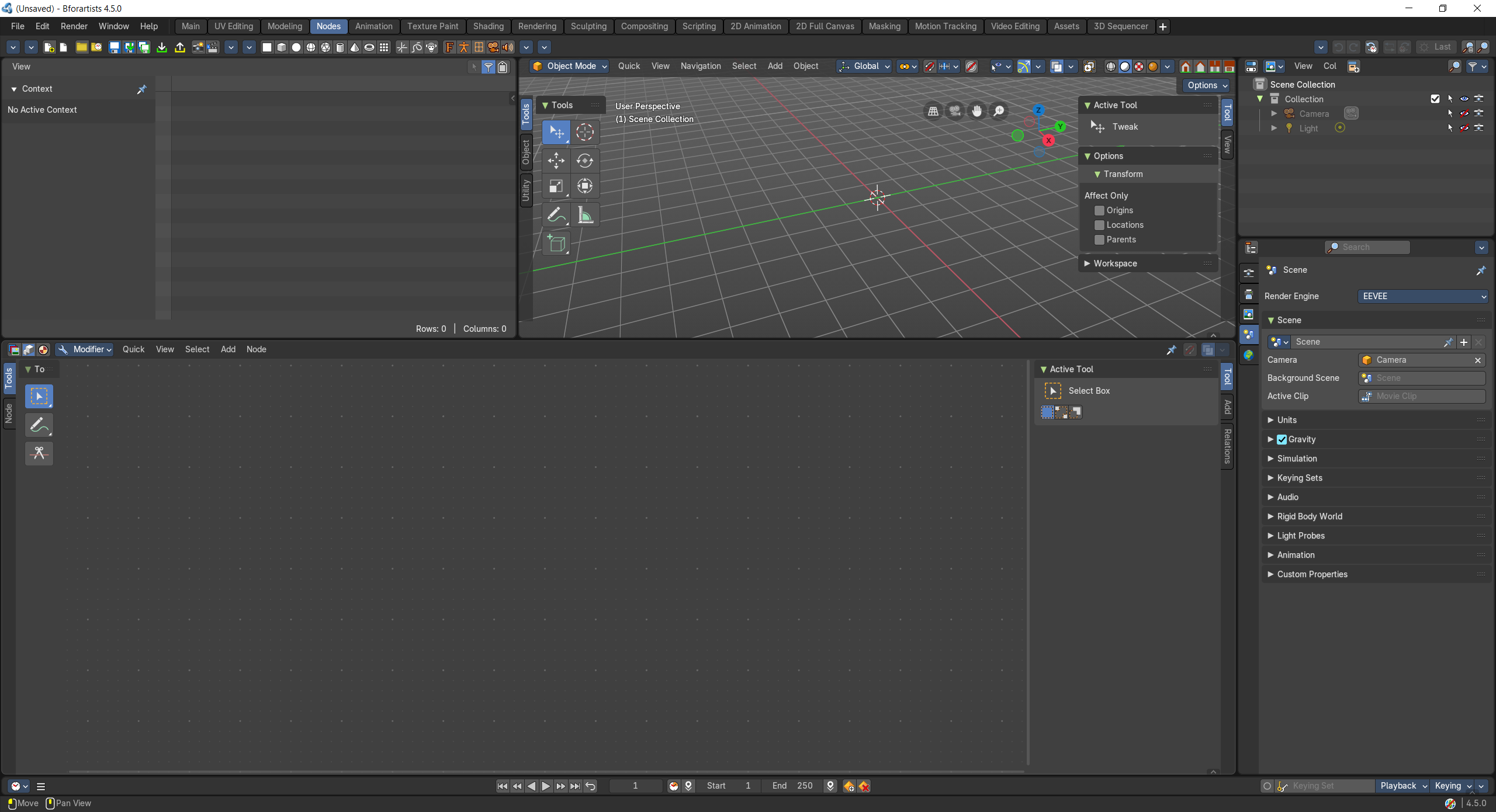
- Screenshot
- Topbar — Menus, the workspace tabs and the main toolbar.
- Spreadsheet — See the geometry's points, faces and attributes as numbers.
- 3D Viewport — The result of your node tree, live.
- Geometry Node Editor — Build the Geometry Nodes tree of the selected object.
- Outliner — Pick the object that carries the node modifier.
- Properties Editor — Modifier stack and node group inputs.
- Timeline — Scrub frames to test animated node setups.
How the work flows
Nodes is a lab for procedural geometry. You wire a recipe in the Geometry Node Editor and watch the 3D Viewport rebuild the result live; when the shape surprises you, the Spreadsheet shows the actual points, faces and attributes behind it. The Properties Editor exposes the node group's inputs as friendly sliders on the modifier, and the Timeline scrubs frames to test setups that move.