























































Workspaces

Modeling
Build and edit meshes and other geometry.
A layout for modeling work, with a large 3D Viewport. It starts in Object Mode.
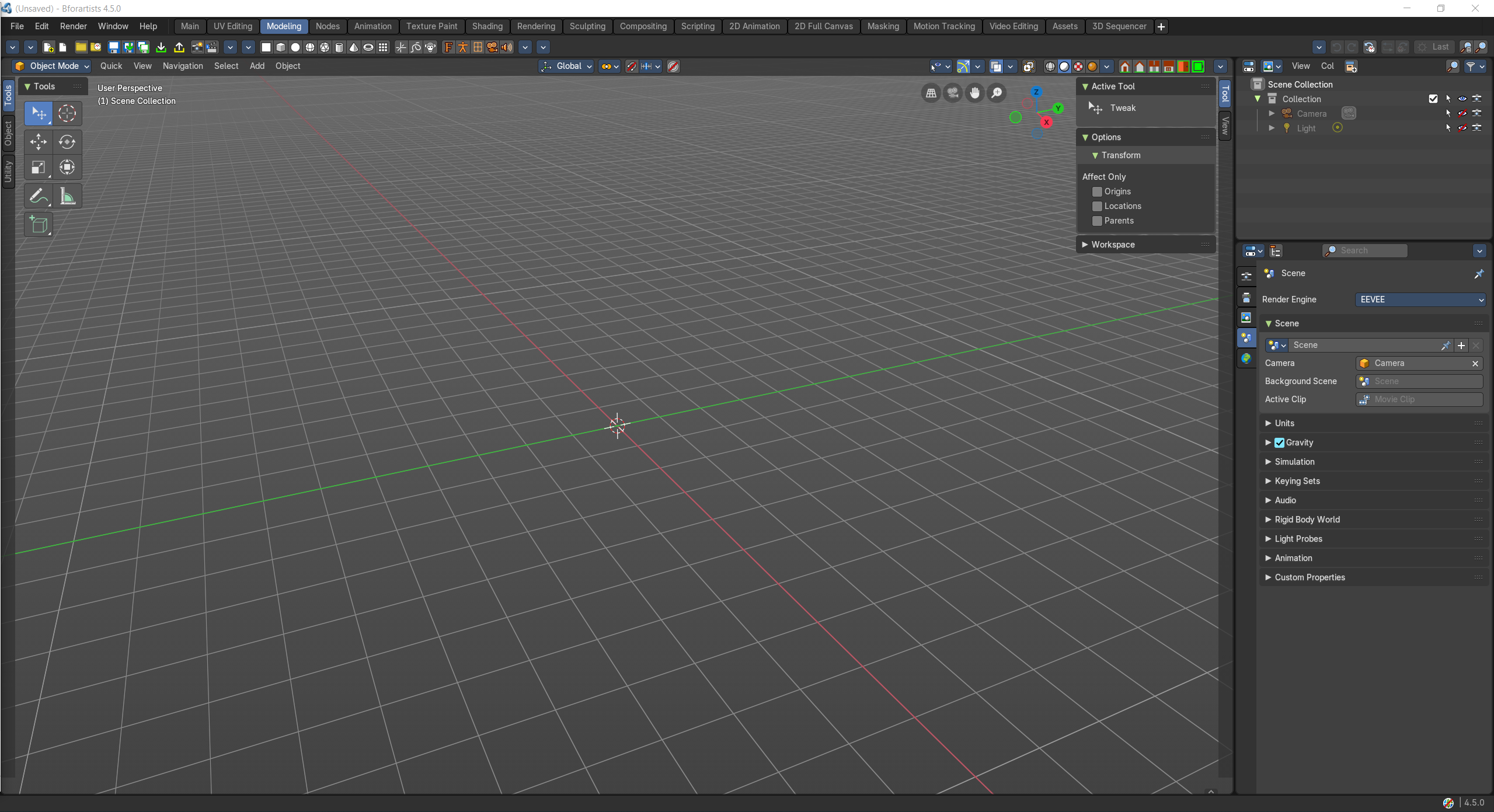
- Screenshot
- Topbar — Menus, the workspace tabs and the main toolbar.
- 3D Viewport — A big viewport for building and editing meshes, curves and other geometry.
- Outliner — Organize your objects in collections.
- Properties Editor — Modifiers, object data and materials of the selected object.
How the work flows
Modeling gives the shape all the room it needs. A large 3D Viewport is the workbench where meshes, curves and other geometry are built and refined. The Outliner sorts your parts into collections as the model grows, and the Properties Editor adds the non-destructive layers on top: modifiers like Mirror, Subdivision or Bevel, the object data and the first materials.
Starts in
The workspace opens the 3D Viewport in Object Mode when the scene has an object for it.