























































Workspaces

Masking
Draw masks for visual effects work.
A workspace for the VFX workflow, to mask content.
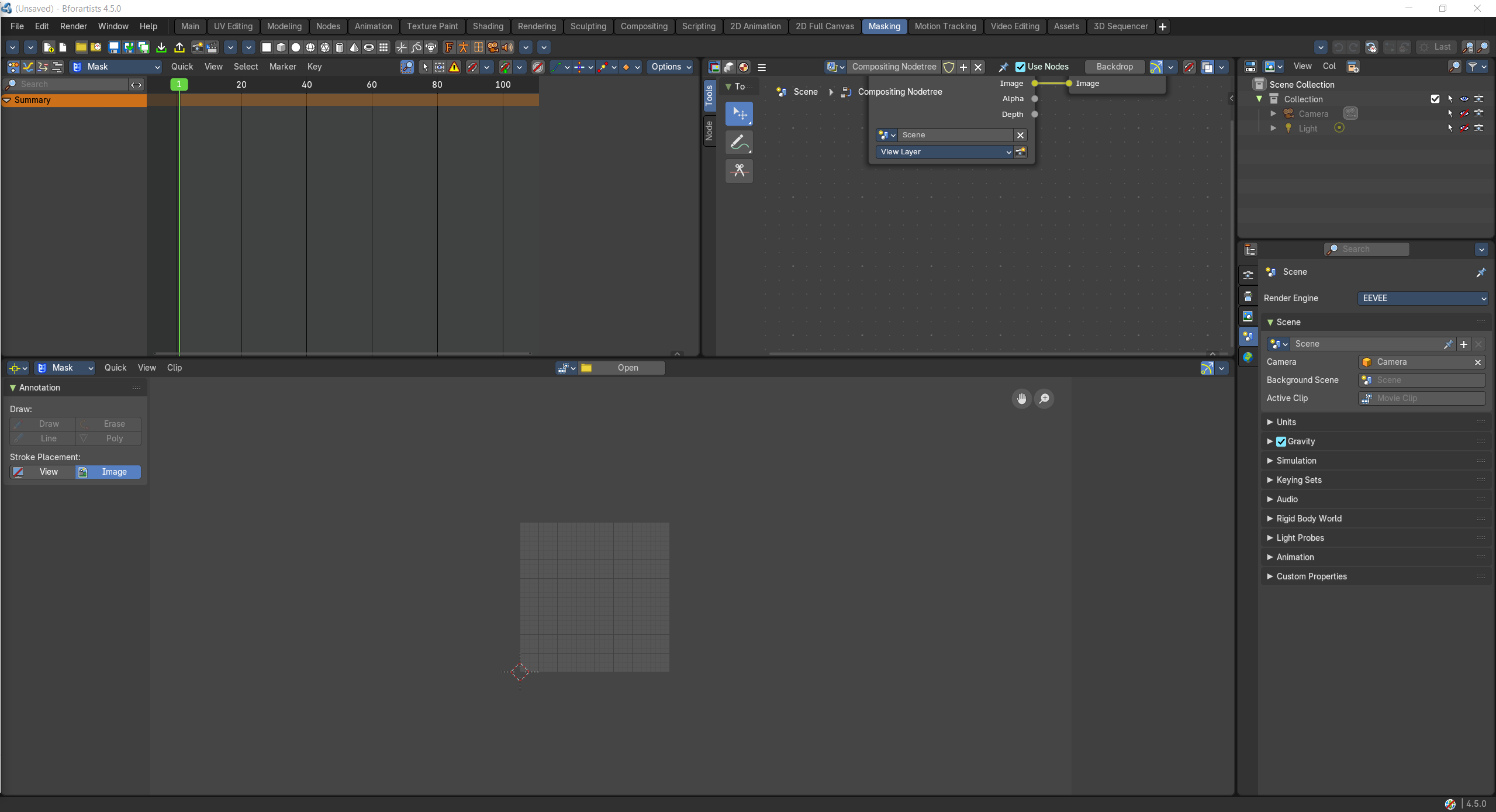
- Screenshot
- Topbar — Menus, the workspace tabs and the main toolbar.
- Dope Sheet — Mask keyframes over time.
- Compositor — Use the mask in the compositor.
- Movie Clip Editor — Draw and animate masks over the footage.
- Outliner — Scenes and objects.
- Properties Editor — Scene and render settings.
How the work flows
Masking is for cutting shapes out of moving footage. You draw and animate masks over the footage in the Movie Clip Editor, the Dope Sheet shows their keyframes over time, and the Compositor uses the mask to separate, recolour or replace parts of the shot. The Outliner and Properties Editor keep the scene and render settings close.