










































This is a cumulative point release focused on stability and polish, with a couple of new gizmo core features: roll the view by dragging a gizmo, and interactive scene strips and frame range in the Dopesheet.
We skipped 5.2.1 and 5.2.2, and have given you the most robust, stable and feature rich version of the Blender 5.3 arquitecture series available, now we will resume developing in Blender 5.4 arquitecture.
This release is built on Blender 5.3.0 (main trunk as of October 7, 2026), with 76 new features, fixes and polish from us since Bforartists 5.2.0.
What's new in this release:
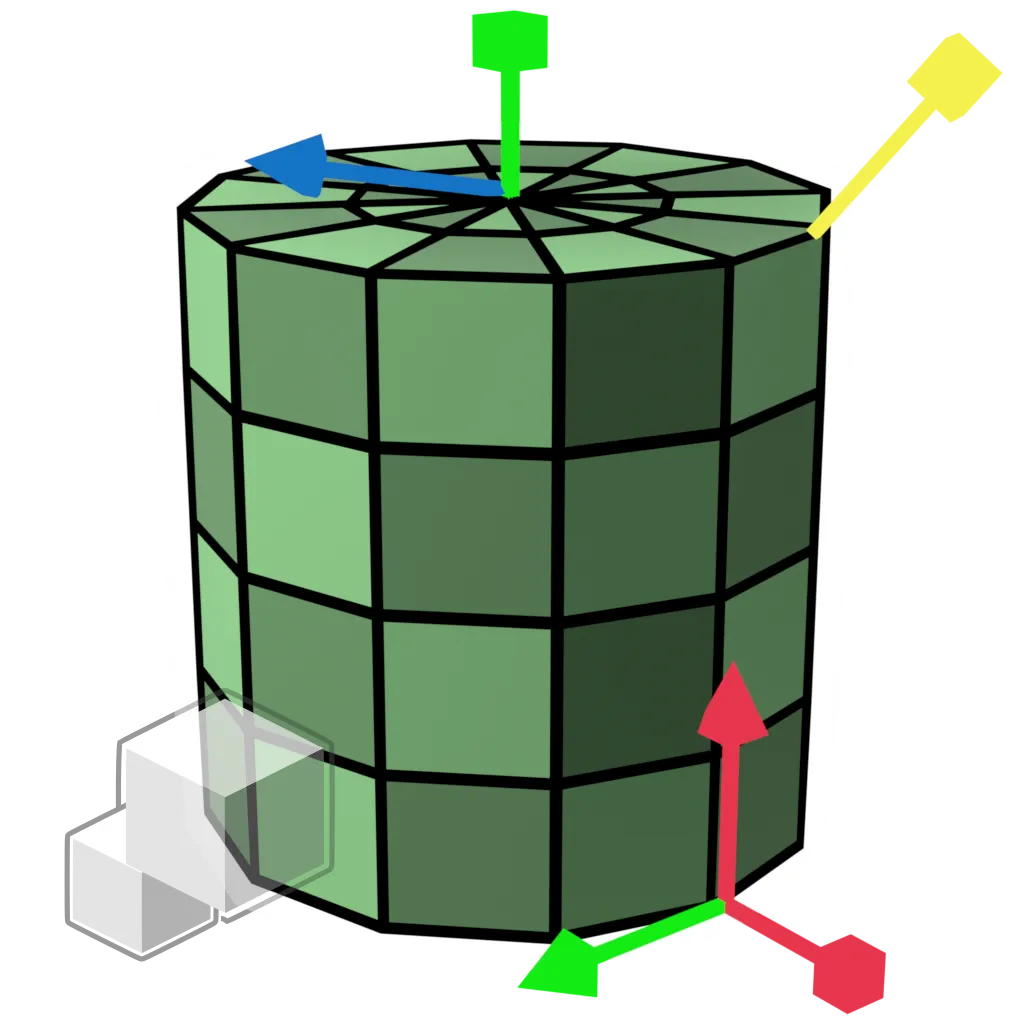
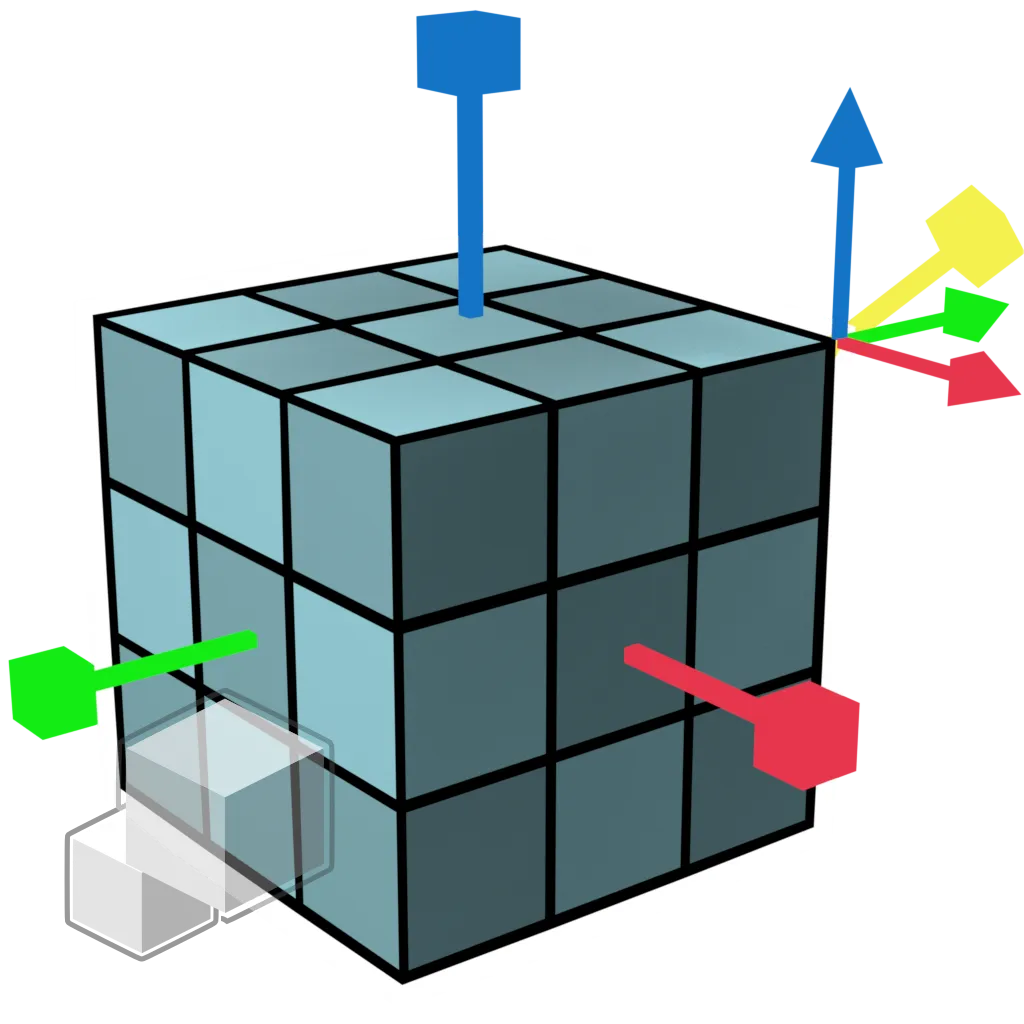
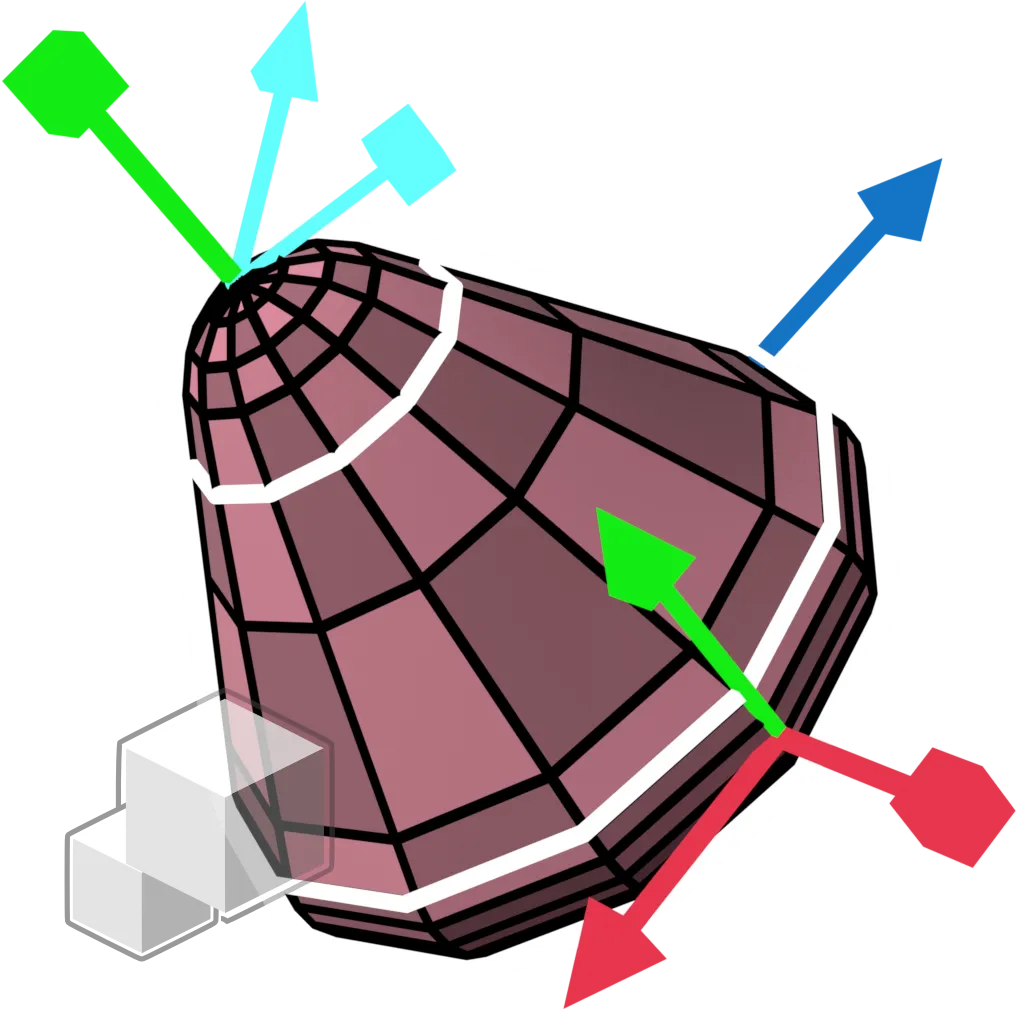
- View Roll gizmo — Drag left or right on the navigation gizmo to roll the view, with an angle indicator while you drag. Roll controls and a hotkey are also in the 3D View sidebar
- Dopesheet Scene Strip gizmos — Interactive gizmos to edit scene strips directly in the Dopesheet and timeline frame ranges with a gesture
- Sequencer and Timeline — Ripple Delete, lasso select hotkeys like the other editors, consolidated keyframing tools in the Timeline footers, and consistent frame range icons
- 30+ new node icons — New Geometry Nodes, Shader Light nodes and Compositor nodes now have icons and toolshelf entries, including Comment, XPBD Solver, Construct Curves, Rasterize Points, Grid Solve Poisson, Combine List and Bundle nodes
- Cleaner menus — Removed double entries (Import FBX, Link to Scene, Snap, Implicit Conversion), Show/Hide submenus in Pose and Weight Paint, and toolshelves that follow the Add menu order
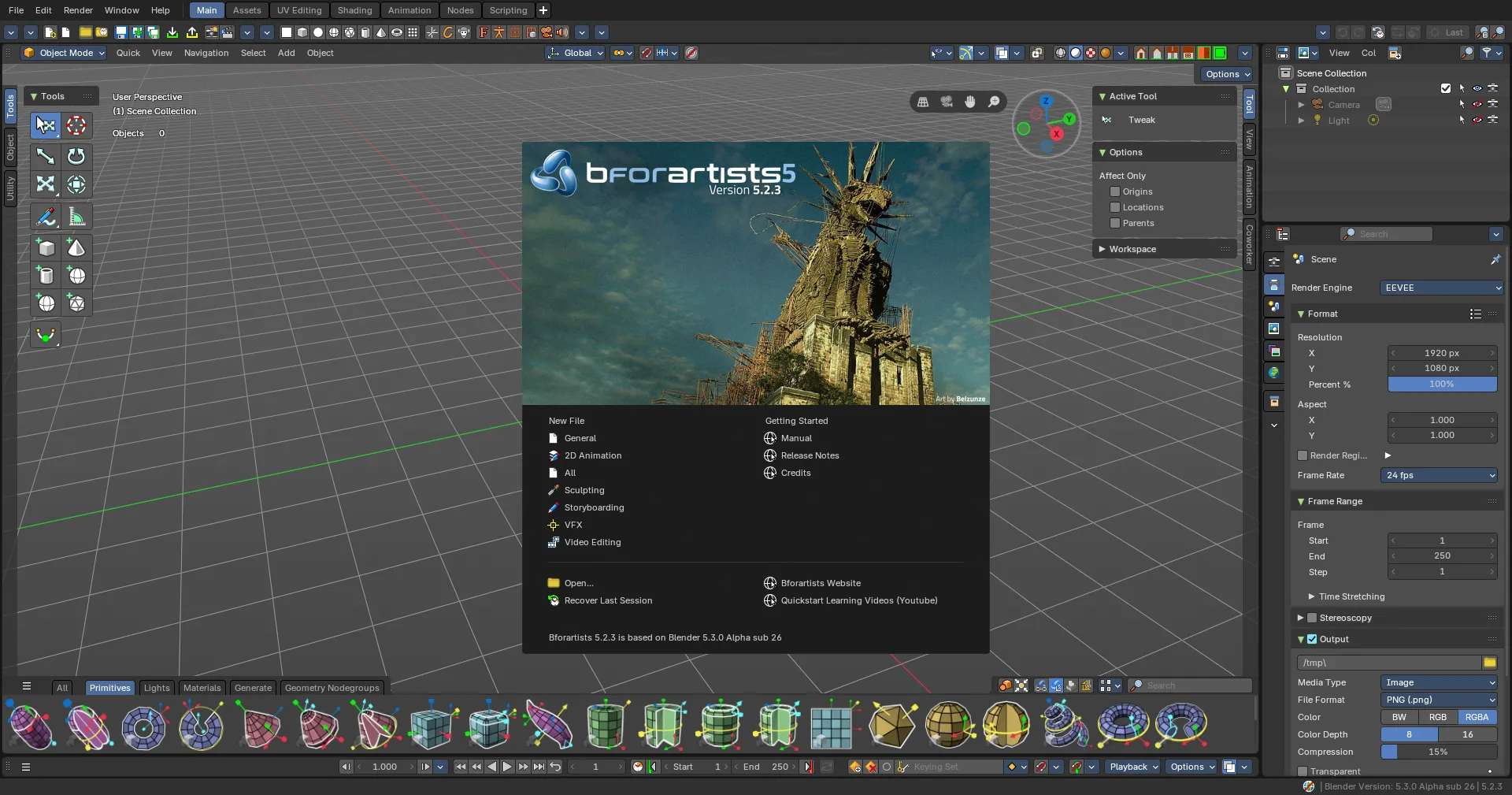
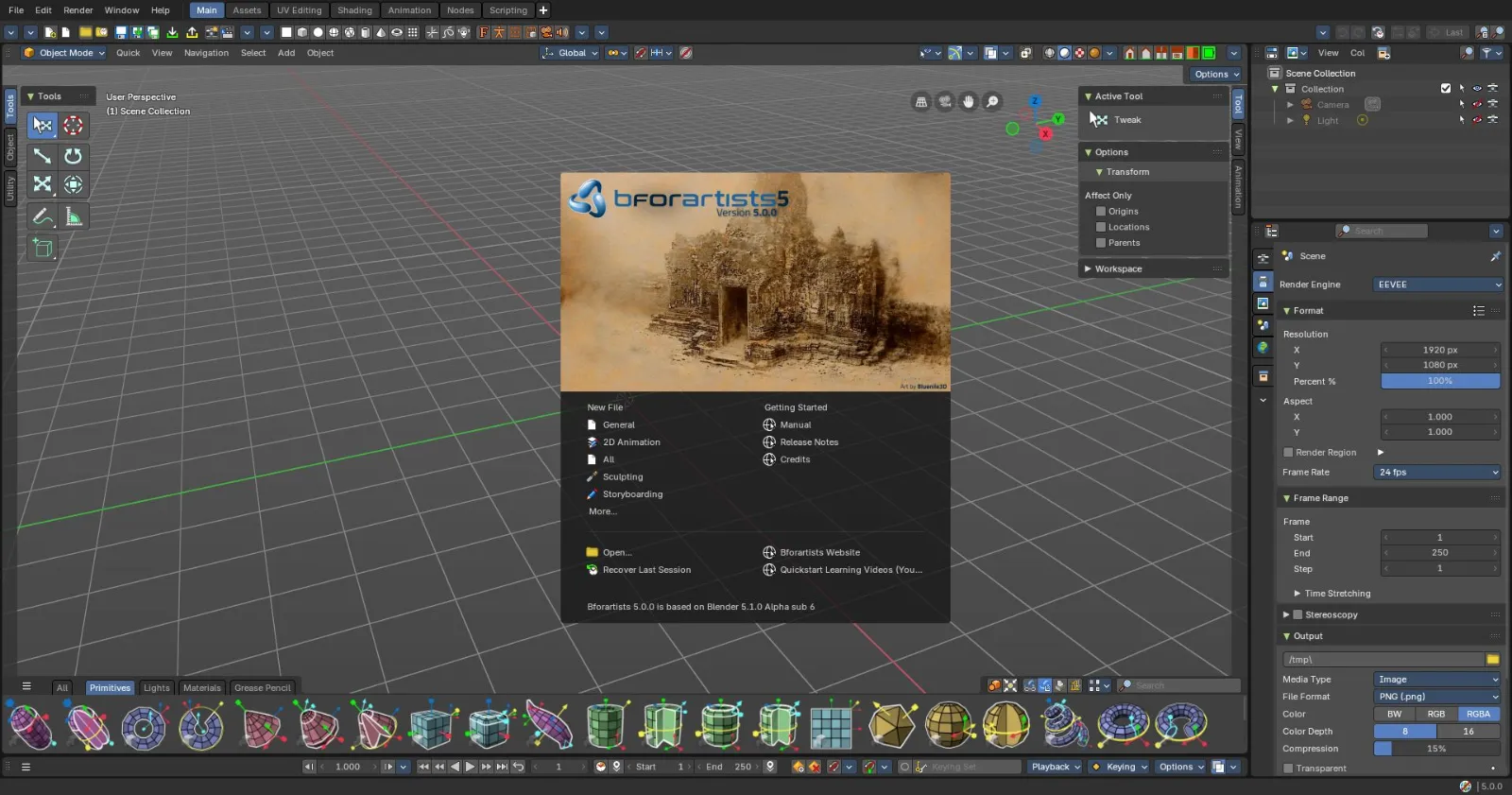
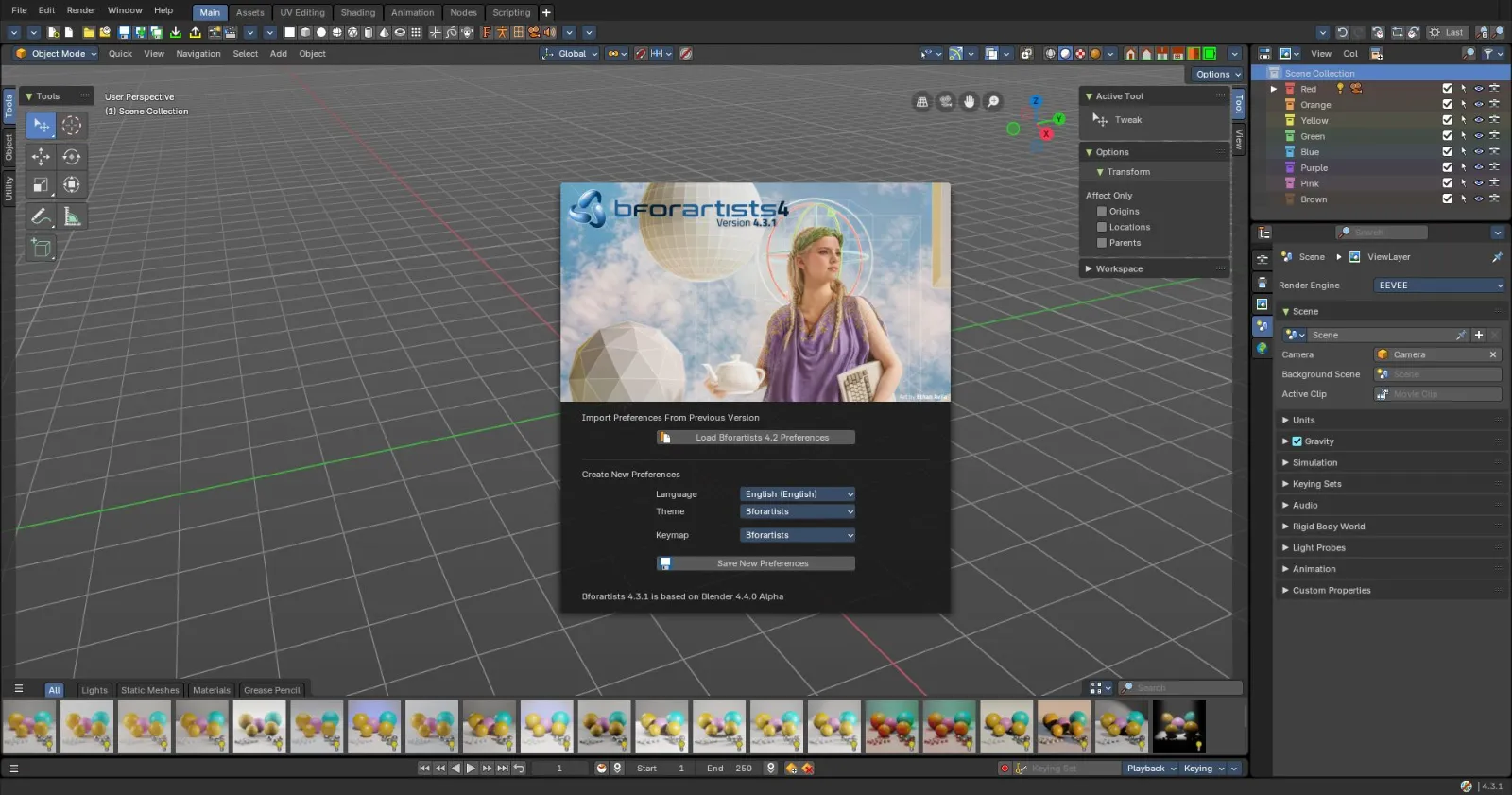
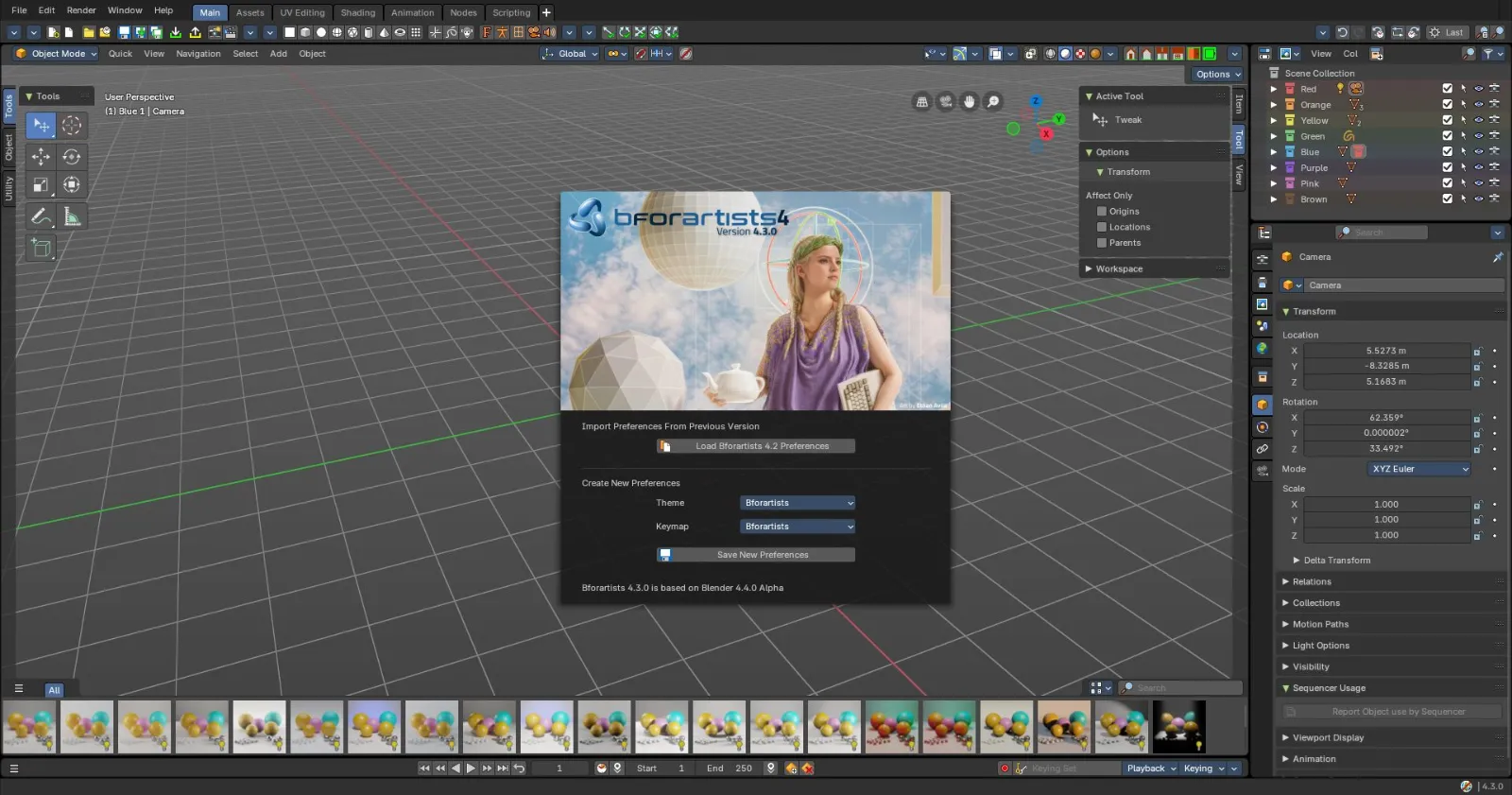
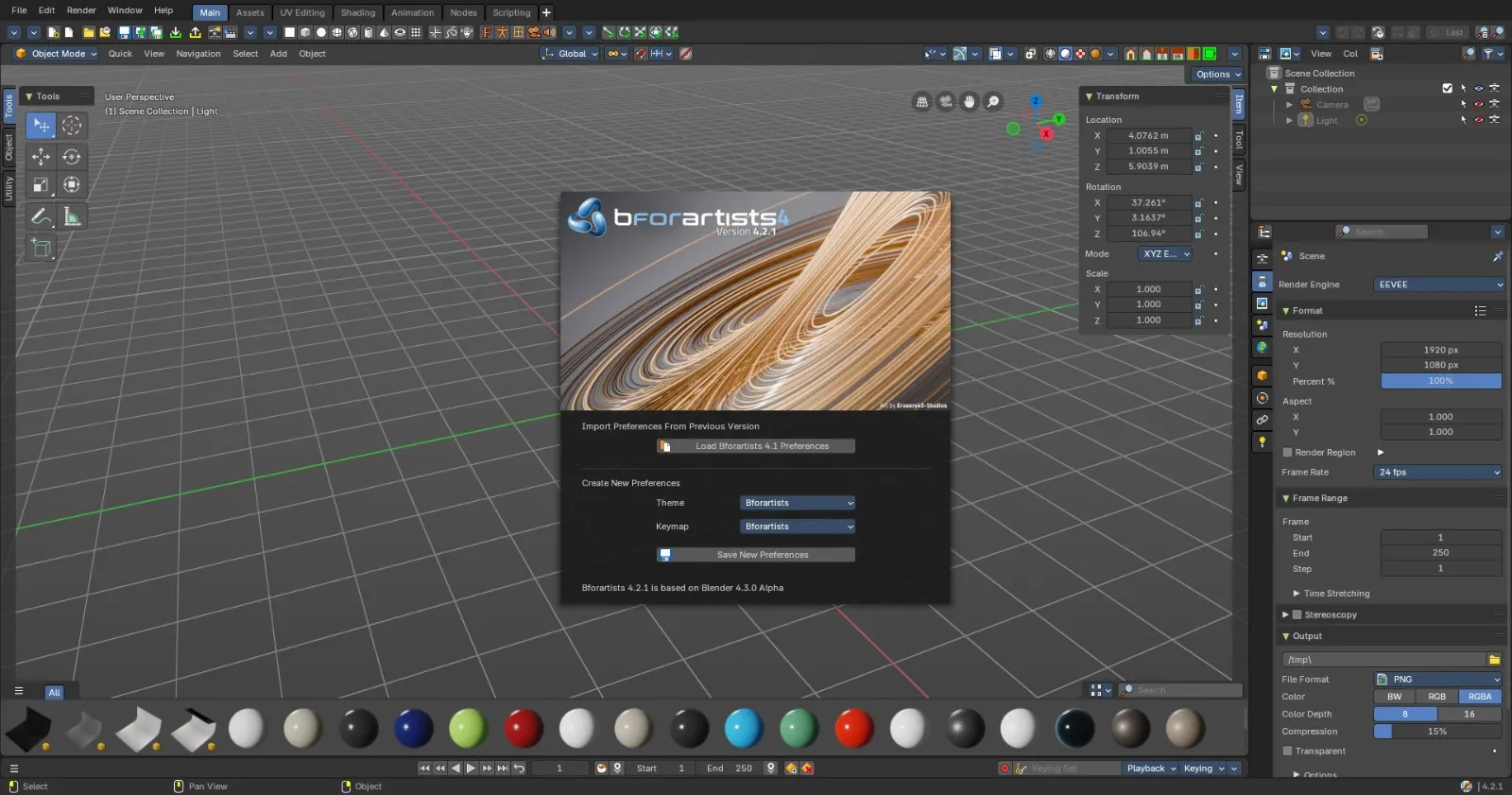
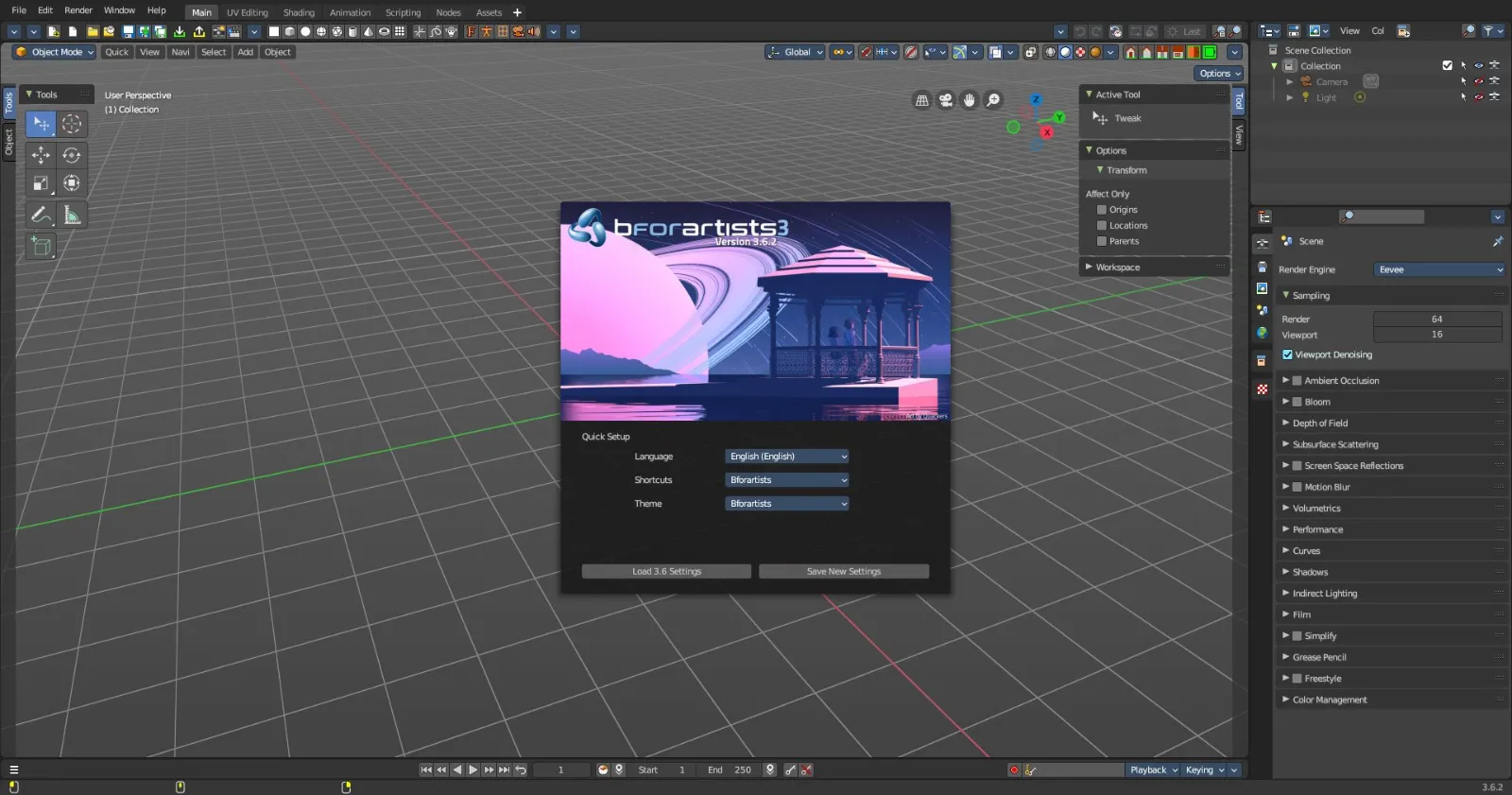
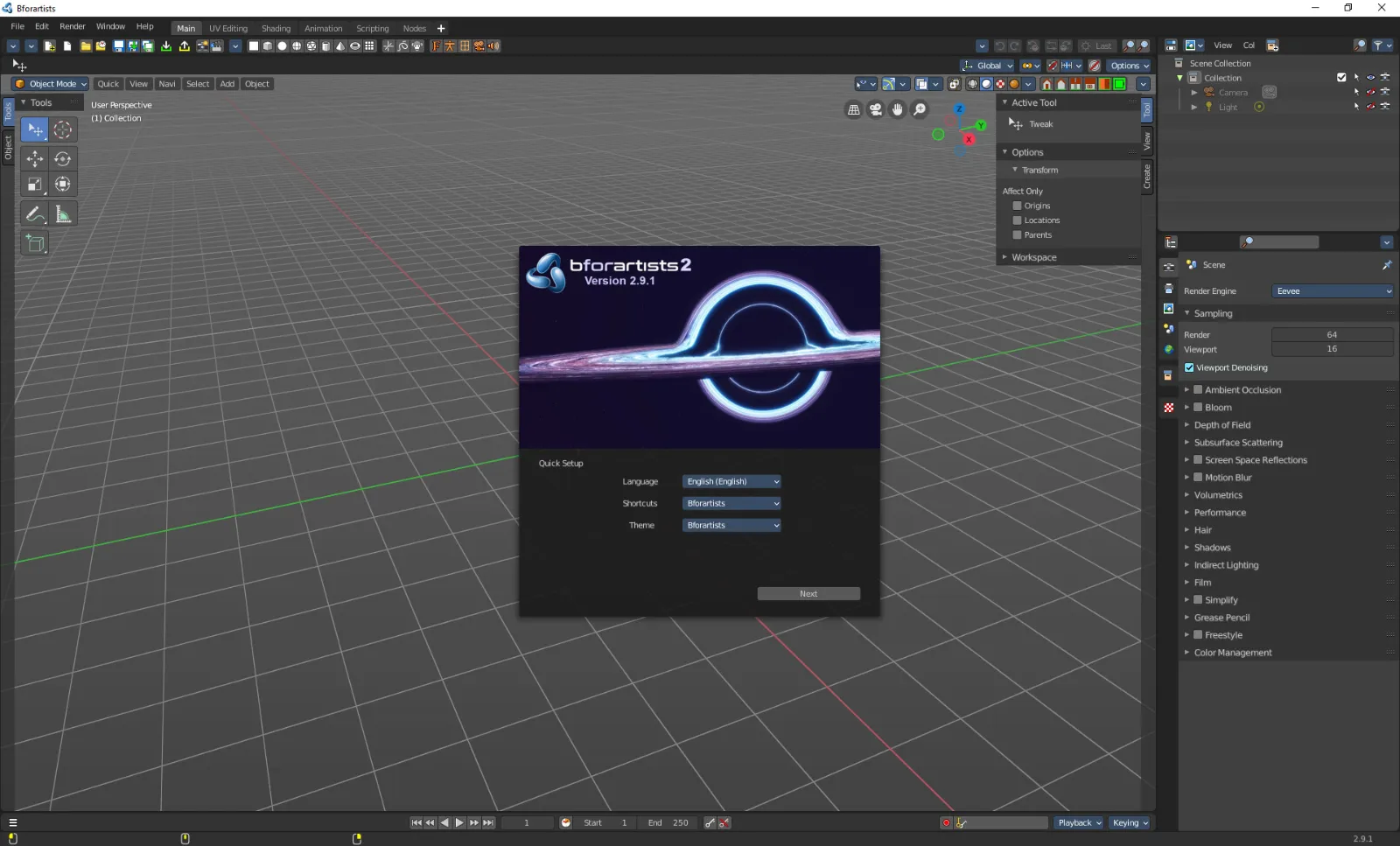
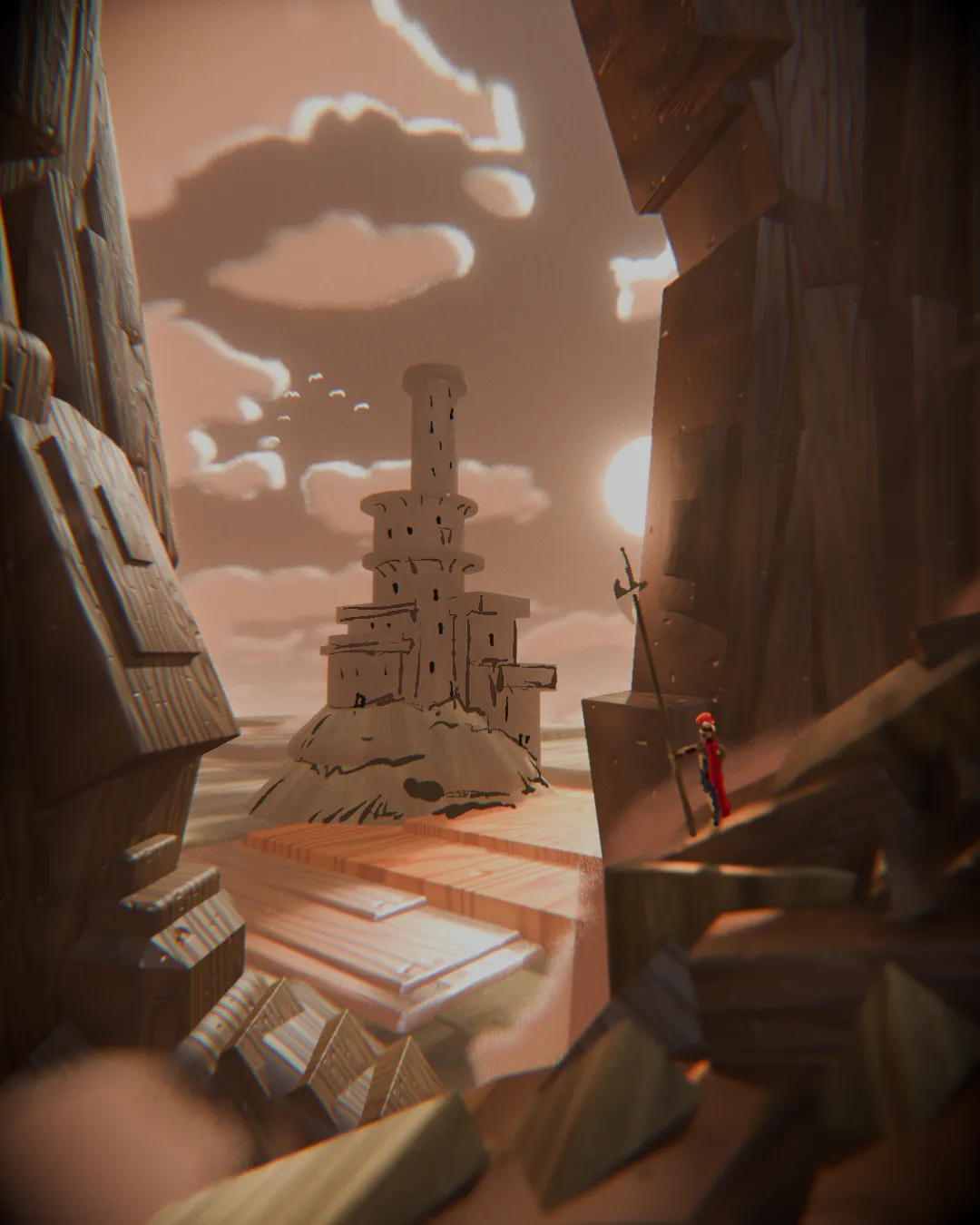
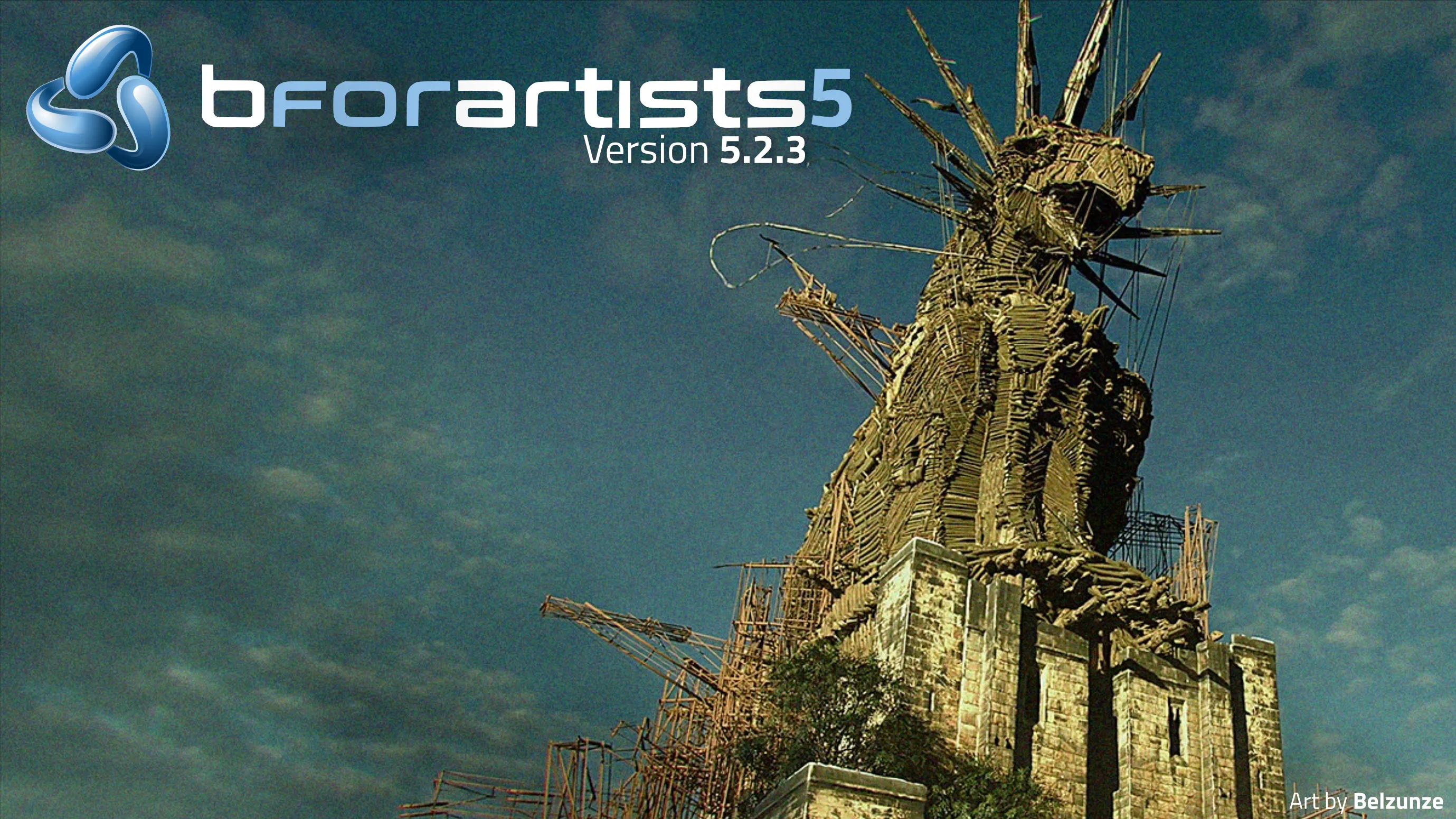
- Bigger splashscreen with more recent files
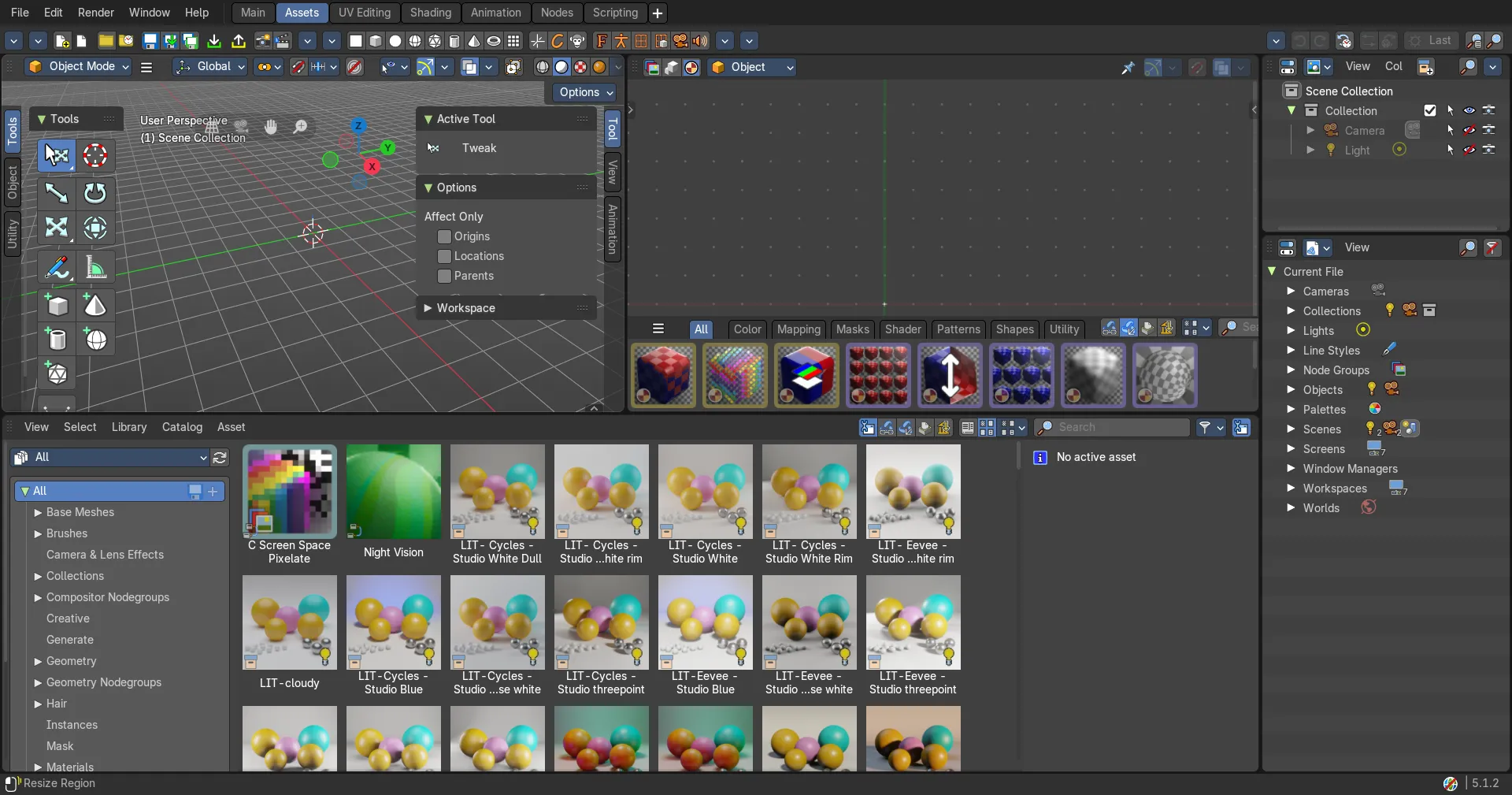
- Easier extensions — Installing and removing legacy pre-downloaded extensions is simpler, and the Asset Libraries filter now has an icon
- Clearer themes — Node highlights stand out more, and curve handle colors now more legible
Top Usability Features from Blender 5.3 (Alpha):
- Sidebar Search — Find any property or operator in any editor's sidebar, including add-on tabs
- Custom Outliner Sorting — Arrange objects anywhere in the Outliner
- Comment Node — Annotate node trees, with Markdown formatting
- Ripple Editing in the Sequencer — Ripple, Shuffle and Overwrite overlap modes (R, S, V), Ripple Trim and Ripple Delete
- OpenTimelineIO — Import and export edits to and from other editing software
- Smarter Scene Strips — Scene strips update their length on their own, and many datablocks can be dropped straight onto the timeline
- Compositor Effects Stack and Bundle nodes — Effects organized as a stack, with grouped data handling
- EEVEE Material Lighting Nodes and Panoramic Cameras — Toon shading and lighting effects, plus equirectangular, fisheye and mirror ball cameras
- Geometry Nodes for Volumes and Curves — Rasterize Points, Poisson Solver and Construct Curves
- Convert Rotation Mode for Animation — Convert keyframes between rotation modes with Ctrl+R
Downloads available from both Github, the NEW official Website, Windows store and Flatpak store.
⚠️ Blender Launcher may need to update their system to the new file server, but till then, Blender Launcher V2 is disconnected
📥 Downloads:
https://www.bforartists.co/download/
🪟 Windows App
📝 Release Notes:
https://www.bforartists.com/releases/5-2-3
🗒️ Blender Release notes now merged and updated into Bforartists:
https://developer.blender.org/docs/release_notes/5.4/
https://developer.blender.org/docs/release_notes/5.3/
https://developer.blender.org/docs/release_notes/5.2/
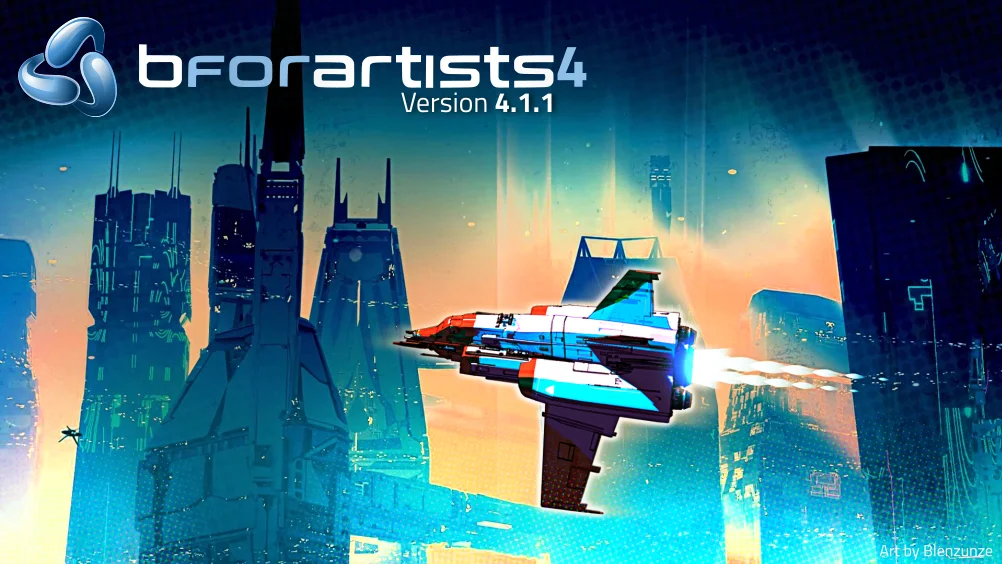
Splashscreen is kindly provided by @belzunze , the latest winner of the Splashscreen submissions competition hosted in the Discord server! Thank you!
Thank you for using Bforartists while making art - and for sharing to this art community.
Draise, Tobi, Reiner, Blenux (Juso), Znight (Trung Pham), Quackers, Eyad, Shaley, Sean and all of you arty people