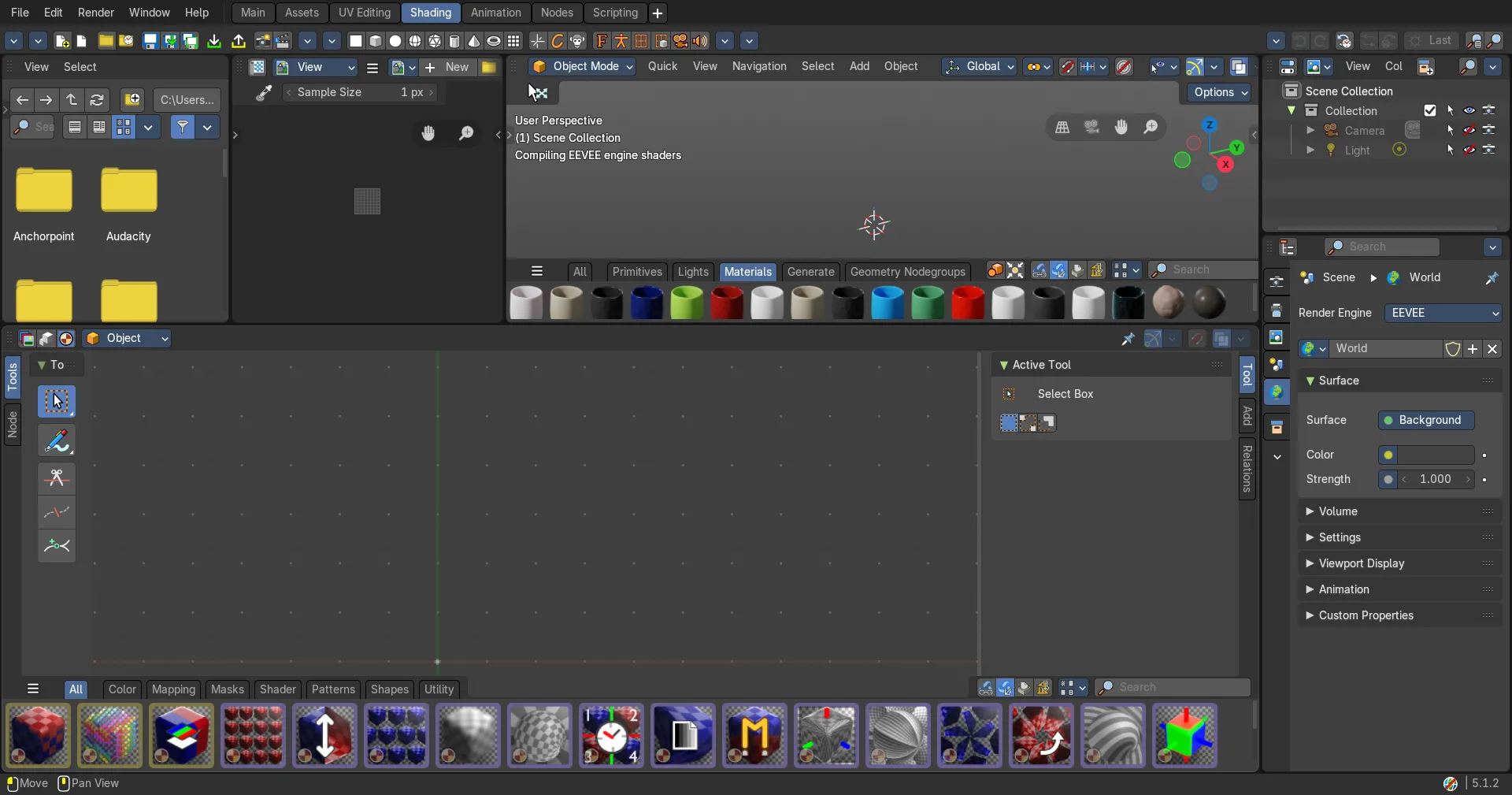
The usage of Bforartists is UI centered. You should get away with using the tools from the UI, and not by hotkeys. And we have reduced the keymap dramatically compared to the Blender keymap.
There are however a few important hotkeys left that makes your life easier. And there are still some hotkeys that you simply need. Like the navigation with the mouse, which is also some kind of a hotkey.
Here we list some of the most used and basic hotkeys at one sheet, so that you don't have to dig through the manual and the whole keymap chapter or the menus to find the basic functionality.
The important keys at a glance
The keyboard below lights up only these keys, in the Bforartists keymap. Pick the editor and the mode, hold Shift, Ctrl or Alt to see those combinations, and click a key to read what it does. Every other key is on the Standard Keymaps.
In the 3D Viewport
All Modes
- MMB=Move view; W=Move selection; RMB=Rotate view; Alt+MMB=Rotate view; E=Rotate selection; Scrollwheel=Zoom view; Ctrl+MMB=Zoom view; R=Scale selection; E=Trackball rotation; F12=Render Image; Numpad 0=Switch to Cameraview
| Action | Keys |
|---|
| Move view | MMB |
| Move selection | W |
| Rotate view | RMB / Alt + MMB |
| Rotate selection | E |
| Zoom view | Scrollwheel / Ctrl + MMB |
| Scale selection | R |
| Trackball rotation | 2 x E |
| Render Image | F12 |
| Switch to Cameraview | Numpad 0 |
Switch views to orthographic
- Numpad 1=Ortho front; Numpad 3=Ortho right; Ctrl+Numpad 1=Ortho back; Numpad 7=Ortho top; Ctrl+Numpad 3=Ortho left; Ctrl+Numpad 7=Ortho bottom
| Action | Keys |
|---|
| Ortho front | Numpad 1 |
| Ortho right | Numpad 3 |
| Ortho back | Ctrl + Numpad 1 |
| Ortho top | Numpad 7 |
| Ortho left | Ctrl + Numpad 3 |
| Ortho bottom | Ctrl + Numpad 7 |
To leave the orthographic views rotate the view.
Select
- D=Tweak; RMB=Lasso Select; B=Box Select; Shift=Add to / Remove from selection; G=Select Circle
| Action | Keys |
|---|
| Tweak | D |
| Lasso Select | RMB |
| Box Select | B |
| Add to / Remove from selection | Hold Shift |
| Select Circle | G |
Modes
- 1=Object Mode; 2=Edit Mode; Shift+2=Draw / Pose Mode; 3=Sculpt Mode; 4=Vertex Paint; 5=Weight Paint; 6=Texture Paint
| Action | Keys |
|---|
| Object Mode | 1 |
| Edit Mode | 2 |
| Draw Mode (Grease Pencil) | Shift + 2 |
| Pose Mode (Armature) | Shift + 2 |
| Sculpt Mode | 3 |
| Vertex Paint | 4 |
| Weight Paint | 5 |
| Texture Paint | 6 |
Edit Mode with a Mesh object
- C=Edge Select; Alt+LMB=Select Edgeloop; X=Vertice Select; Shift+Alt+LMB=Select Edgering; V=Face Select; Ctrl+Left Click=Pick shortest Path; S=Extrude; Shift=Add to selection
| Action | Keys |
|---|
| Edge Select | C |
| Select Edgeloop | Alt + LMB |
| Vertice Select | X |
| Select Edgering | Shift + Alt + LMB |
| Face Select | V |
| Pick shortest Path | Ctrl + Left Click |
| Extrude | S |
| Add to selection | Hold Shift |
Tip: Press S again to cycle through the other extrude tools in the tool shelf group, like Extrude Along Normals and Extrude Individual. There are several ways to extrude, and S gets you to each of them without reaching for the mouse.
Edit mode with a Bone object
- S=Extrude; Alt+P=Clear Parent; Shift+S=Extrude Forked; P=Separate Bones; Ctrl+P=Make Parent
| Action | Keys |
|---|
| Extrude | S |
| Clear Parent | Alt + P |
| Extrude Forked | Shift + S |
| Separate Bones | P |
| Make Parent | Ctrl + P |
Sculpt Mode with a Mesh object
- X=Brush Size; V=Brush Angle; C=Brush Strength
| Action | Keys |
|---|
| Brush Size | X |
| Brush Angle | V |
| Brush Strength | C |
Vertex Mode with a Mesh object
- X=Brush Size; C=Brush Angle; V=Brush Strength
| Action | Keys |
|---|
| Brush Size | X |
| Brush Angle | C |
| Brush Strength | V |
Texture Paint Mode with a Mesh object
- X=Brush Size; V=Brush Angle; C=Brush Strength; Ctrl+Alt+F=Radial Control Mask Angle
| Action | Keys |
|---|
| Brush Size | X |
| Brush Angle | V |
| Brush Strength | C |
| Radial Control Mask Angle | Ctrl + Alt + F |
Paint modes when working with a stencil map
- Alt+RMB=Move stencil Texture; Shift+Ctrl+Alt+RMB=Move secondary stencil Texture; Shift+RMB=Rotate stencil Texture; Shift+Alt+RMB=Rotate secondary stencil Texture; Ctrl+RMB=Scale stencil Texture; Ctrl+Alt+RMB=Scale secondary stencil Texture
| Action | Keys |
|---|
| Move stencil Texture | Alt + RMB |
| Move secondary stencil Texture | Shift + Ctrl + Alt + RMB |
| Rotate stencil Texture | Shift + RMB |
| Rotate secondary stencil Texture | Shift + Alt + RMB |
| Scale stencil Texture | Ctrl + RMB |
| Scale secondary stencil Texture | Ctrl + Alt + RMB |
Global keys
Load Save
- Ctrl+O=Open File; Shift+Ctrl+S=Save as; Ctrl+S=Save File; Ctrl+N=New File
| Action | Keys |
|---|
| Open File | Ctrl + O |
| Save as | Shift + Ctrl + S |
| Save File | Ctrl + S |
| New File | Ctrl + N |
Undo Redo
- Ctrl+Z=Undo; Shift+Ctrl+Z=Redo
| Action | Keys |
|---|
| Undo | Ctrl + Z |
| Redo | Shift + Ctrl + Z |
F keys
- F2=Rename active item; Ctrl+F2=Batch rename item; F3=Search Menu; F4=File context menu; F5=Flip Region (Sidebar and Tool shelf with the mouse over the area); Alt+F5=System Console (Windows only); F6=Redo Last ( Adjust last operation panel); F11=Show / Hide Renderview; Ctrl+F11=Play rendered animation; F12=Render Still; Ctrl+F12=Render Animation
| Action | Keys |
|---|
| Rename active item | F2 |
| Batch rename item | Ctrl + F2 |
| Search Menu | F3 |
| File context menu | F4 |
| Flip Region (Sidebar and Tool shelf with the mouse over the area) | F5 |
| System Console (Windows only) | Alt + F5 |
| Redo Last ( Adjust last operation panel) | F6 |
| Show / Hide Renderview | F11 |
| Play rendered animation | Ctrl + F11 |
| Render Still | F12 |
| Render Animation | Ctrl + F12 |
See them in the viewport
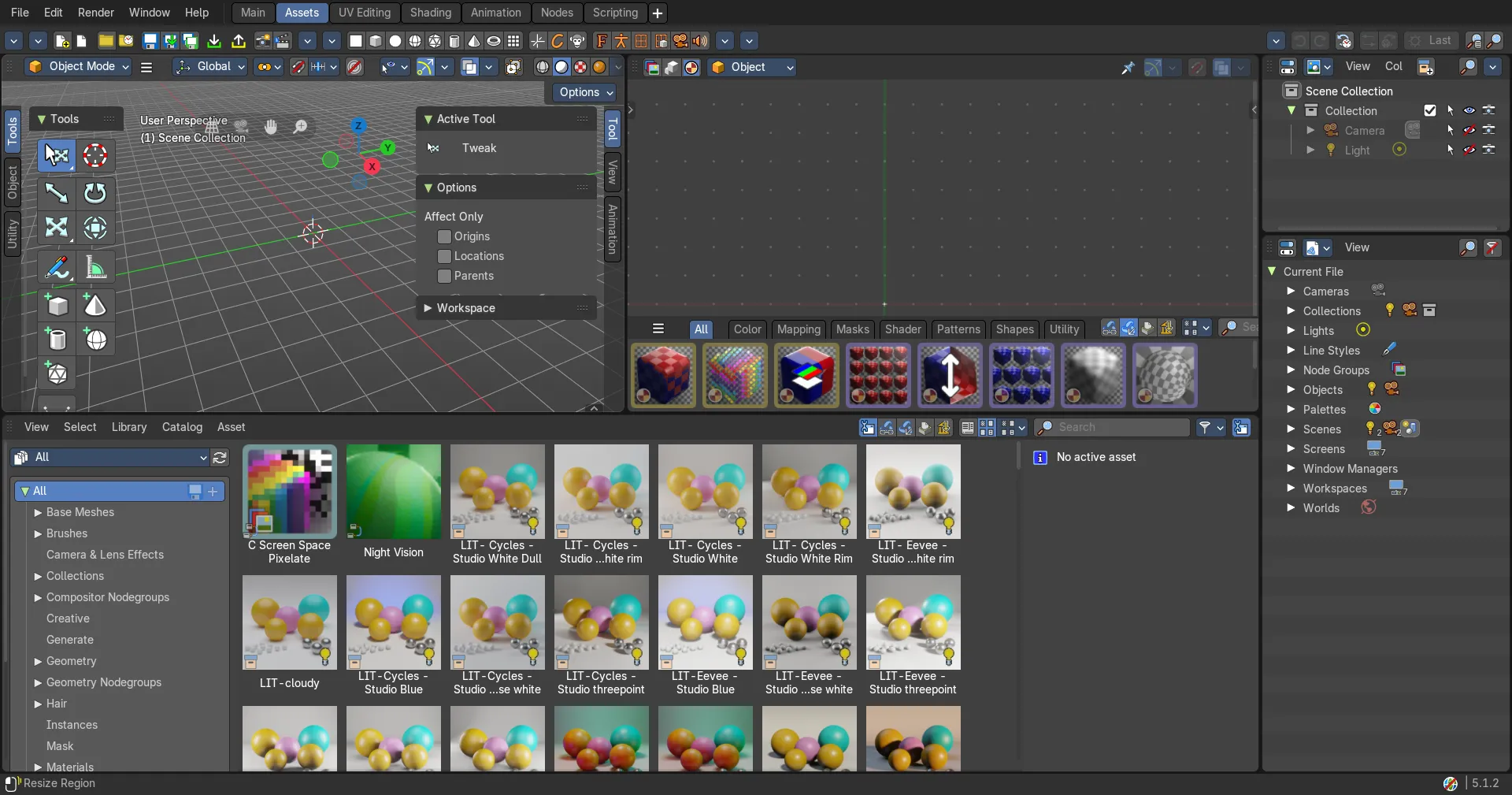
Bforartists can show these keys right in the 3D Viewport, so you don't need this page open. In the 3D Viewport sidebar, open the View tab and find the Important Hotkeys panel, then click Show Text. The list appears in the top left corner of the viewport and changes with the mode you are in. The same panel sets the text colour and size.
Tip: No Important Hotkeys panel? It comes from the Important Hotkeys Overlays add-on that ships with Bforartists. Turn it on in .